




Seems my post disappeared...???
abreeze
11 years ago
Sort by:Oldest
Comments (4)
Related Stories

DECORATING GUIDESTGIR: The Case of the Disappearing TV
They Got It Right: If you can’t beat it, camouflage it. See how these designers made TV screens almost unnoticeable
Full Story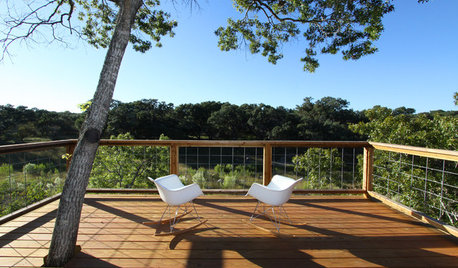
THE ART OF ARCHITECTUREDesign Workshop: The ‘Disappearing’ Guardrail
Putting the focus on the view instead of the rail on a porch or balcony is sometimes clearly the best option
Full Story
SMALL SPACESHow to Make Any Small Room Seem Bigger
Get more from a small space by fooling the eye, maximizing its use and taking advantage of space-saving furniture
Full Story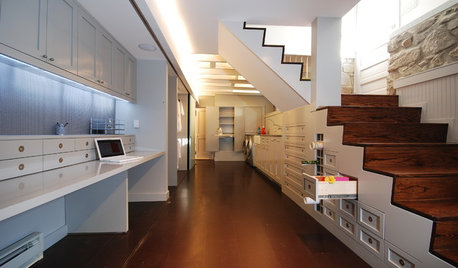
BASEMENTSDouble Take: The Disappearing Home Office
Watch a long workstation in a renovated basement vanish with the wave of a wand — er, with some clever architecture anyway
Full Story
HOUZZ TOURSHouzz Tour: The Case of the Disappearing Clutter in Toronto
With two young children, it's no mystery why this minimalist-leaning Canadian couple renovated with plenty of sleek storage
Full Story
KITCHEN DESIGNSurvey Results: Kitchen Trends That Seem Here to Stay
More than a third of respondents in Houzz’s annual kitchen trends report now have the means to remodel. Here’s what else they told us
Full Story
LIVING ROOMSIdeabook 911: How Can I Make My Living Room Seem Bigger?
10 Ways to Make a Small Space Live Large
Full Story
MODERN STYLE12 Stylish Kitchen Counters That Seem to Float in Space
Take your culinary zone to new heights with a cantilevered countertop that’s visually appealing and practical
Full Story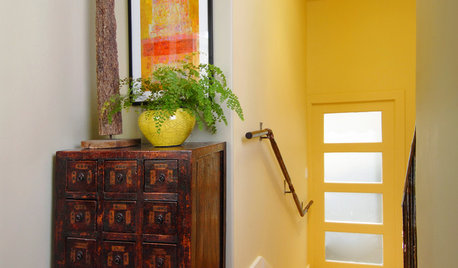
DOORS13 Ways to Paint an Interior Door
Turn your interior door into an accent piece, or make it seem to disappear
Full Story
ENTRYWAYSGrand Entry Elements: Newel Posts Past and Present
They once spoke to wealth and class, but newel posts today say more about individual style
Full Story
owbist
mikie_gw
Related Discussions
My Post Disappeared!
Q
My post are disappearing
Q
Why Does My Post Disappear?
Q
Houzz at it again? I put up a post, but it seems to have disappeared.
Q
abreezeOriginal Author
Chemocurl zn5b/6a Indiana