




Looking for new user tuts for PSP8
Elly1
18 years ago
Sort by:Oldest
Comments (2)
Related Stories
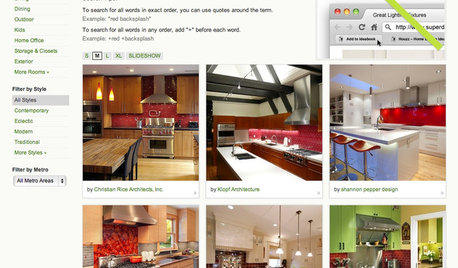
INSIDE HOUZZ9 Power-User Tricks to Get More From Houzz
Search faster and better, tap into design guides, manage your ideabooks and see photos on your flat-screen TV
Full Story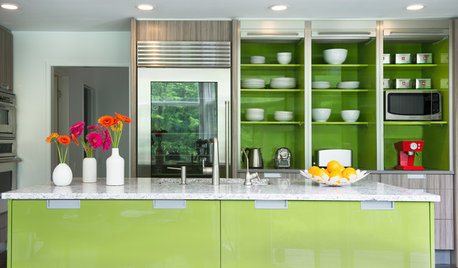
KITCHEN DESIGNKitchen of the Week: Bold Green and User Friendly in Connecticut
A renovation creates a more colorful kitchen with better traffic flow and lots of storage
Full Story
STUDIOS AND WORKSHOPSCreative Houzz Users Share Their ‘She Sheds’
Much thought, creativity and love goes into creating small places of your own
Full Story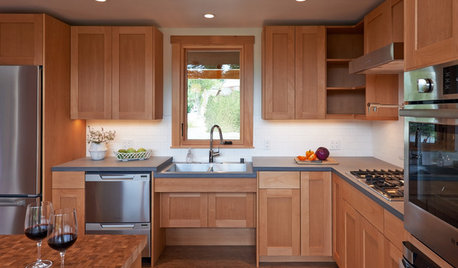
UNIVERSAL DESIGNKitchen of the Week: Good Looking and Accessible to All
Universal design features and sustainable products create a beautiful, user-friendly kitchen that works for a homeowner on wheels
Full Story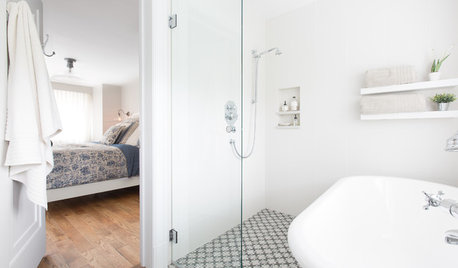
BATHROOM DESIGNSweet Retreats: The Latest Looks for the Bath
You asked for it; you got it: Here’s how designers are incorporating the latest looks into smaller master-bath designs
Full Story
HOUZZ TOURSMy Houzz: California Ranch and Farm Look to Nature
Complete with yurts, an organic farm and an 'unintentional community,' this home in Ojai, California, shows its love of the land
Full Story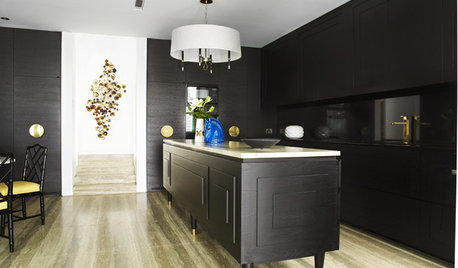
MOST POPULARTrend Watch: 13 Kitchen Looks Expected to Be Big in 2015
3 designers share their thoughts on what looks, finishes and design elements will be on trend in the year ahead
Full Story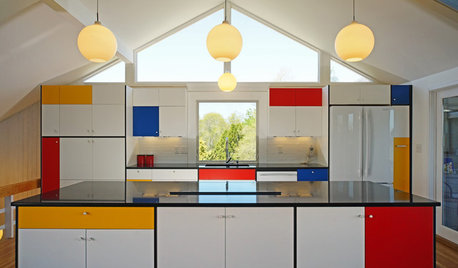
KITCHEN DESIGNKitchen of the Week: Modern Art Inspires a Color-Blocked Look
In a midcentury beach house on Martha’s Vineyard, a redesigned kitchen embraces the look of Mondrian
Full Story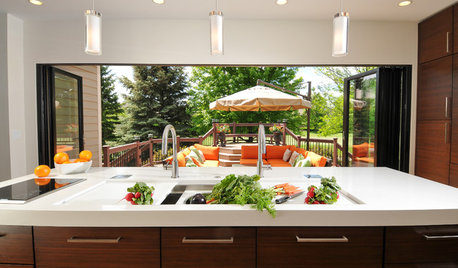
KITCHEN DESIGNKitchen of the Week: Traditional Kitchen Opens Up for a Fresh Look
A glass wall system, a multifunctional island and contemporary finishes update a family’s Illinois kitchen
Full Story
PETSHouzz Call: Looking for Dogs in Design
Share a Pic of Your Pet, and He or She Could Star on Our Homepage
Full StorySponsored

Custom Craftsmanship & Construction Solutions in Franklin County
Joy_CA
Elly1Original Author
Related Discussions
Scary Face
Q
Amazing Circle Tutorial....version 8...9...X (very easy)...
Q
PSP filters-plugins
Q
PSP8 Ani Problem?
Q