




Deformation tool in PSP-10
reduc500
17 years ago
Sort by:Oldest
Comments (2)
Related Stories
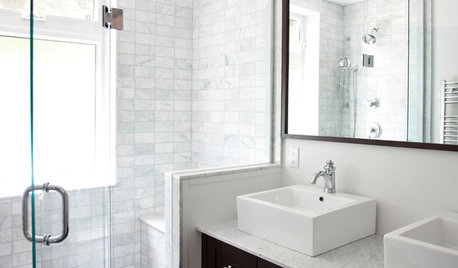
REMODELING GUIDESHow to Keep Your Home's Beautiful Glass Sparkling Clean
A few simple tools and tricks keep water spots and soapy film at bay
Full Story
EDIBLE GARDENSWhy Grow Quince? For Beauty, Fragrance and Old-Time Flavor
Delightfully perfumed fruit and lovely spring blossoms make this apple and pear cousin worth a spot in the garden
Full Story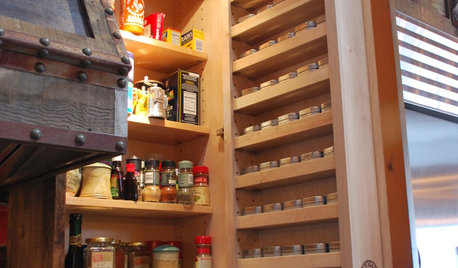
KITCHEN DESIGN7 Steps to Pantry Perfection
Learn from one homeowner’s plan to reorganize her pantry for real life
Full Story
CONCRETEWhy Concrete Wants to Crack
We look at the reasons concrete has a tendency to crack — and what you can do to help control it
Full Story
ARCHITECTUREWhat the Future Holds for 3D Printing in Architecture and Design
Designers worldwide are creating 3D-printed buildings, furnishings and materials. Will we be seeing this trend in our homes?
Full Story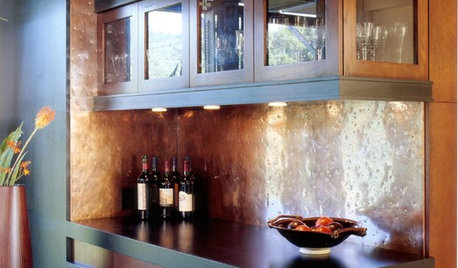
DECORATING GUIDES7 Great Places for a Hammered Metal Finish
Amp up the character in your kitchen (or any room, really) with the gorgeous texture and artful look of hammered metal
Full Story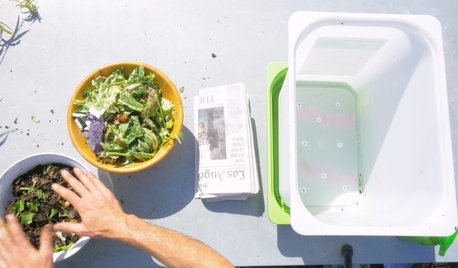
GARDENING GUIDESHouzz TV: Make a Worm Bin for Rich Soil and Happy Plants
A worm-powered compost bin that can fit under a sink turns food scraps into a powerful amendment for your garden. Here’s how to make one
Full Story
Joy_CA
reduc500Original Author
Related Discussions
PSP and resolution
Q
where is my thread? (help with PSP & Animation Shop)
Q
Tut using PSP X
Q
PSP7 ,,,How can I change direction of text?
Q