




old B&W photo
mst___
18 years ago
Related Stories
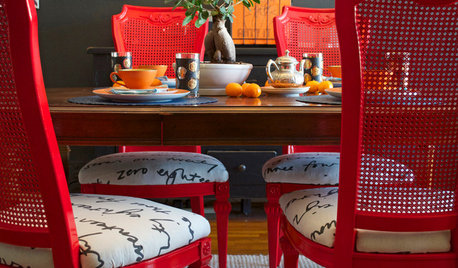
DIY PROJECTSDining Set Makeover: Paint and Tea-Tinted Fabric Make Old Chairs New
Reclaim dated dining chairs for far less than buying new, using spray paint, modern fabric and a handful of tea bags
Full Story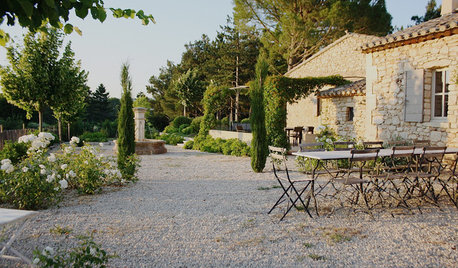
TRADITIONAL HOMESMy Houzz: A Centuries-Old French Estate Charms Again
Time and local artisans help a couple realize an idyllic French country retreat — and you can rent it
Full Story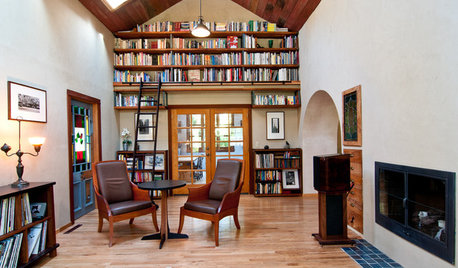
HOUZZ TOURSMy Houzz: Old-World European Flair in Oregon
Custom woodwork, stained glass and Arts and Crafts touches create warm, earthy interiors in a ranch-style home
Full Story

FURNITUREColor Glams Up the Old-Fashioned Secretary
Before you write off a vintage secretary desk as ho-hum, give it a colorful new note
Full Story
REMODELING GUIDESRammed Earth: Old Meets New in Hybrid Material
An ancient technique lends itself to more sustainable contemporary home designs
Full Story
KITCHEN PANTRIES80 Pretty and Practical Kitchen Pantries
This collection of kitchen pantries covers a wide range of sizes, styles and budgets
Full Story
ORGANIZINGHelp for Whittling Down the Photo Pile
Consider these 6 points your personal pare-down assistant, making organizing your photo collection easier
Full Story

buzzard
amy_z6_swpa
Related Discussions
Some B&W photos
Q
b&w photo needs a touch of color....How??
Q
20 yr old B&W 450 speakers--are they still good for stereo or is
Q
Scanning and enhancing a B&W photo to read date
Q
jacksmum
mst___Original Author
mst___Original Author
trianglejohn