




hello & ? about psp7 tools
terri-mi
18 years ago
Sort by:Oldest
Comments (5)
Related Stories
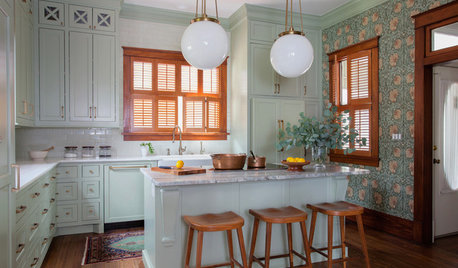
KITCHEN OF THE WEEKKitchen of the Week: Goodbye, Honey Oak — Hello, Minty Green
After more than 30 years, the Kloesels revamped their space to reflect their rural country town and Victorian-style home
Full Story
GARDENING GUIDESGet on a Composting Kick (Hello, Free Fertilizer!)
Quit shelling out for pricey substitutes that aren’t even as good. Here’s how to give your soil the best while lightening your trash load
Full Story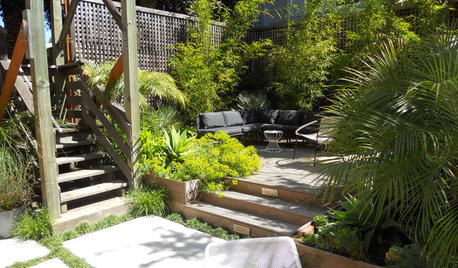
PATIOSPatio Details: Good-bye Cracked Concrete, Hello Lush Garden
A San Francisco couple replace an old parking space with a barefoot-friendly outdoor retreat for eating, entertaining and play
Full Story
HEALTHY HOMEWhat You Need to Know About Dust and How to Fight It
Breathe easier with these 10 tips for busting mites, dander and other microscopic undesirables
Full Story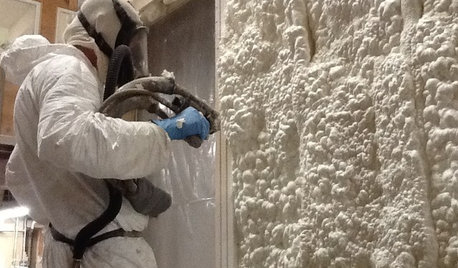
MATERIALSInsulation Basics: What to Know About Spray Foam
Learn what exactly spray foam is, the pros and cons of using it and why you shouldn’t mess around with installation
Full Story
DECORATING GUIDES7 Things to Know About Foo Dogs
These Chinese decorative statues have a lengthy history and are powerfully symbolic
Full Story
MOVINGSaying Goodbye to One Home and Hello to Another
Honor your past and embrace your future with these ideas for easing the transition during a move
Full Story
HOUZZ TVHouzz TV: Goodbye, Skyrocketing Rents; Hello, Waterfront Living
Tired of the congestion and high costs of San Francisco, this young techie bought a boat on the bay. See how she makes it her home
Full Story
FIREPLACESGoodbye, TV — Hello, Fireplace
Hide the television above the fireplace with clever camouflage, so the focus will be right where you want it
Full Story
CONTEMPORARY HOMESHouzz Tour: A Creative Renovation Says Hello
A bland brick expanse at the street side of a corner house has become a very cool local landmark. All it took was a simple thought
Full StorySponsored
gw:terri-mi
urlee
Related Discussions
need quick help with tool ideas
Q
If you could only invest in ONE specialty tool...
Q
New tool for making trails/cutting firelines/clearing bushes
Q
End of season garden tools assessment..seen any sales?
Q
reduc500
jacksmum
gw:terri-mi