




I'm still alive
fun2golf
18 years ago
Sort by:Oldest
Comments (8)
Related Stories
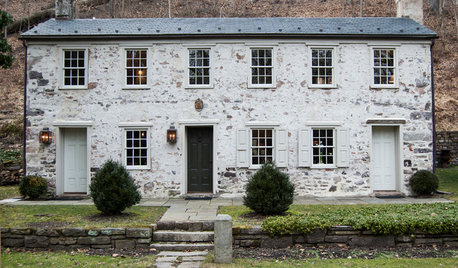
TRADITIONAL HOMESHouzz Tour: A Historic Remodel Keeps the Romance Alive
It was love at first sight for the owner of a 2-centuries-old house. She and her husband renovated it with tender loving care
Full Story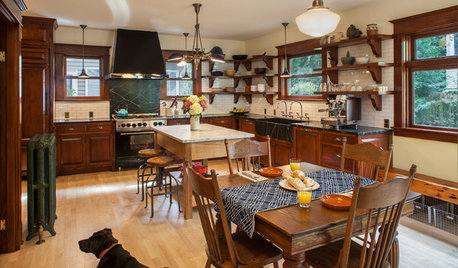
KITCHEN DESIGNKitchen of the Week: Period Details Keep History Alive in Portland
Modern functionality and doubled square footage bring a 1910 kitchen into the present while respecting its past
Full Story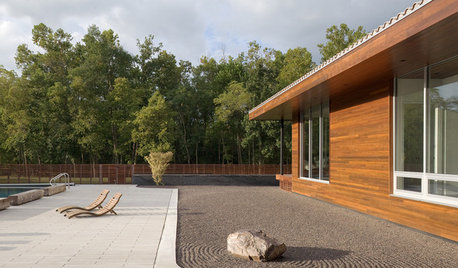
LANDSCAPE DESIGNMake Your Garden Come Alive With a Sense of Movement
Master the illusion of motion for an exceptional garden that stirs emotions and the imagination
Full Story
HOUZZ TOURSMy Houzz: A Country-Style Loft Comes Alive With DIY
Perched cozily above their shop, an Ontario couple's home brims with lovingly handmade and repurposed pieces
Full Story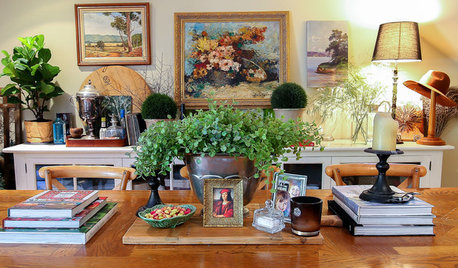
MY HOUZZMy Houzz: Creative Collections Make a Designer’s Apartment Feel Alive
Houseplants and vintage treasures give a Sydney designer’s apartment a beautifully relaxed bohemian look
Full Story
HOUSEPLANTSOrchids 101: How to Keep Your Moth Orchids Alive and Blooming
Growing Phalaenopsis — and getting it to flower again — is easier than you might think
Full Story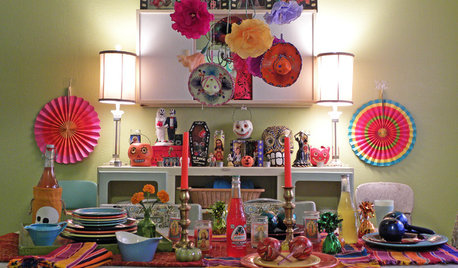
HOLIDAYSMy Houzz: A Home Comes Alive With Day of the Dead Decor
Sugared skulls and bright paper flowers keep a Texas home's macabre decorating style on the lighter side
Full Story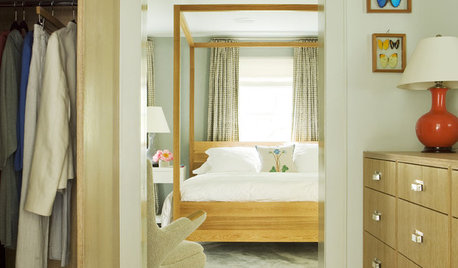
BEDROOMSCanopy Beds: All Grownup and Still Magical
Add a Dose of Drama and Romance With an Elegant Four-Poster
Full Story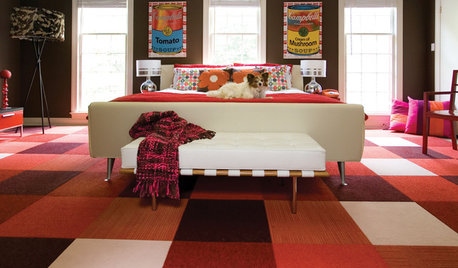
Still Going Warholian at Home
Pop artist's influence is lasting long beyond those first 15 minutes of fame
Full Story
DECORATING GUIDESDecorating for Fall When It Still Feels Like Summer
Even if sandals and shorts are your year-round attire, you can still subtly dress your home for autumn
Full Story
reduc500
urlee
Related Discussions
Got a Note from Kathy Today...
Q
"God you're gray"
Q
Childhood Memories
Q
Celebrate With Me . . .
Q
fun2golfOriginal Author
urlee
jacksmum
reduc500
jacksmum
urlee