




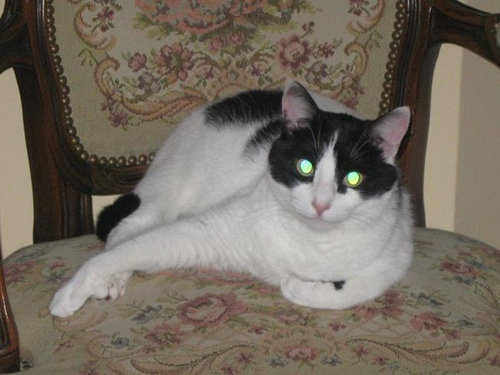
Glowing Cat Eyes
criticalmass048
15 years ago
Sort by:Oldest
Comments (5)
Related Stories
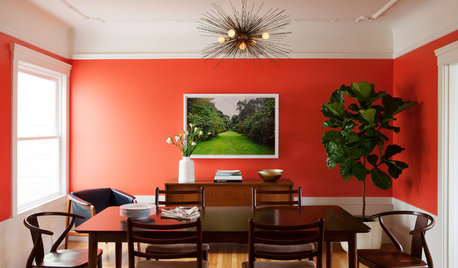
ROOM OF THE DAYRoom of the Day: Bright Red Dining Room Glows in Fog City
Mist can put a damper on the mood in San Francisco, but this lively room fires up the energy
Full Story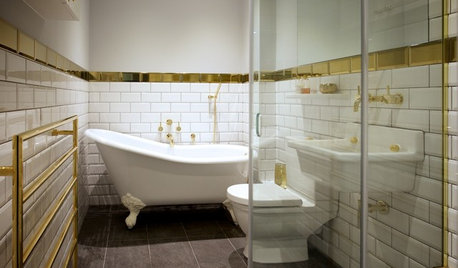
BATHROOM MAKEOVERSRoom of the Day: Gold Gives This Bathroom a Warm Glow
The metallic finish combines with subway tile and a gray floor in a streamlined space
Full Story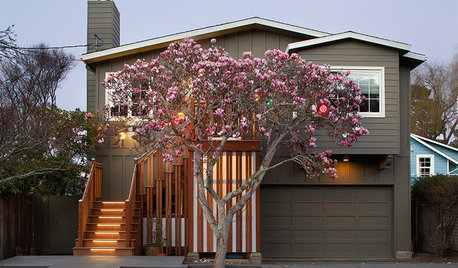
CURB APPEALA New Stepped Entry Glows With Style
Rotting stairs and leaky windows lead to an inviting new facade that welcomes with light
Full Story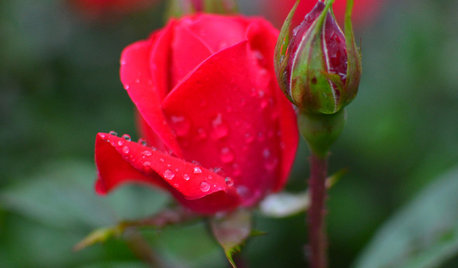
GARDENING GUIDES6 Steps to Get a Garden Off to a Glowing Start
Grow a lush, balanced garden from an empty patch of yard or neglected landscape spot with these easy-to-follow guidelines
Full Story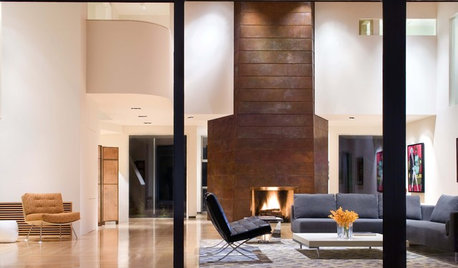
REMODELING GUIDESBask in the Glow of a Copper Fireplace
Double the warmth of your hearth with this metal's beautiful patina
Full Story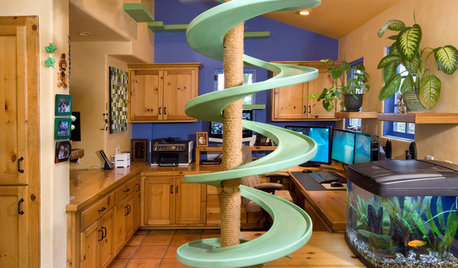
PETSHouzz TV: Watch These Rescued Cats Make a House Their Playland
Spirals, catwalks, tunnels and platforms create a superhighway inside this home in Southern California
Full Story
ANTIQUESDecorating With Antiques: Painted Furniture Brings the Eye Candy
Too much brown got you down? Lighten up with antique furniture decorated with artistic designs or awash in a lovely hue
Full Story
PRODUCT PICKSGuest Picks: Eye-Pleasing Candles and Candleholders
Darkness is falling earlier at night, thanks to daylight saving time's end. Stave off the gloom with comforting, flattering candlelight
Full Story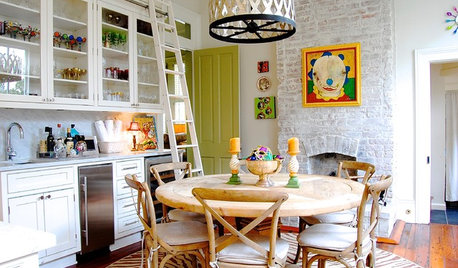
HOUZZ TOURSMy Houzz: Eye Candy Colors Fill an 1800s New Orleans Victorian
Take your fill of teal and pink patent leather, shots of chartreuse and vibrant artwork spanning the rainbow
Full Story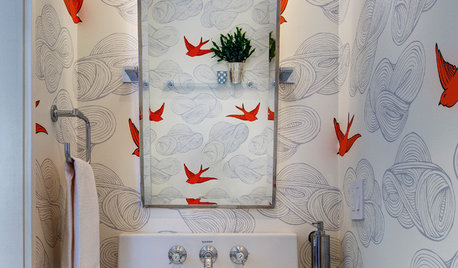
MOST POPULAR102 Eye-Popping Powder Rooms
Flip through our collection of beautiful powder rooms on Houzz and fill your eyes with color and style
Full Story
tojohnso
kentuck_8b
Related Discussions
Barn cat with eye problem
Q
Green cat with black 'eyes' and black spike
Q
Patterned eyes, cicadas and Gypsy cats
Q
Has anyone used Benjamin Moore cats eye?
Q
criticalmass048Original Author
kentuck_8b
kentuck_8b