




Had some more fun with 'spheres'........
alisande
12 years ago
Sort by:Oldest
Comments (5)
Related Stories
LIFEYou Said It: ‘I Knew This Home Had to Be Mine’ and More Quotables
Design advice, inspiration and observations that struck a chord this week
Full Story
GARDENING AND LANDSCAPING9 Ways to Make Your Yard More Fun for Kids
Draw the younger set outside while keeping grown-up spaces and style intact. Some of these ideas don’t even cost a dime!
Full Story
ROOM OF THE DAYRoom of the Day: More Fun for a Los Angeles Living Room
Bright furnishings and a newly open floor plan give a 1964 living room suffering from an identity crisis a new look
Full Story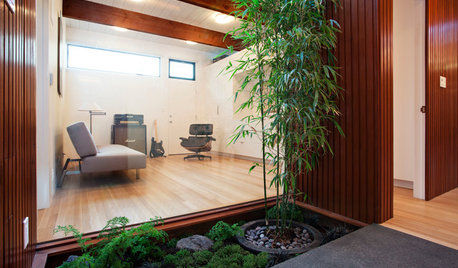
ADDITIONSMore Room Makes an Eichler Even More Livable
Adding a master suite gives a California family 450 square feet more for enjoying all the comforts of home
Full Story
BUDGET DECORATING14 Ways to Make More Money at a Yard Sale — and Have Fun Too
Maximize profits and have a ball selling your old stuff, with these tips to help you plan, advertise and style your yard sale effectively
Full Story
FUN HOUZZ11 Ways to Have More Fun at Home
Every house needs a touch of humor — a funny sign or an accessory that always makes you smile. Here’s where to begin
Full Story
HOUZZ TOURSShowcase: Rooms We Wish We Had Room For
Transform a Space into a Wrapping Room, Vibrant Craft Area or Cookbook Nook
Full Story
DECORATING GUIDESHow to Have a Little More Fun With Your Decor
Quirky and unexpected details and accessories will raise your decorating game in 2015
Full Story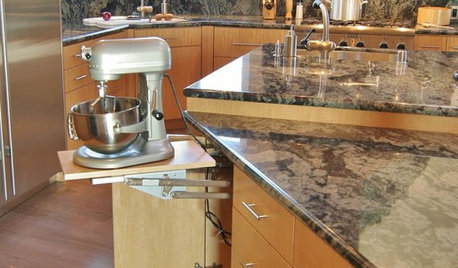
KITCHEN DESIGNKitchen Design: Baking Stations Make Cooking More Fun
Get inspired to cook (and simplify holiday prep) with a dedicated space for baking
Full StorySponsored
Konrad___far_north
alisandeOriginal Author
Related Discussions
More new youngins! Some really fun ones, too! (Should load fast)
Q
Just sharing some pics-fun growth and some blooming
Q
Had fun moving trees and shrubs this weekend
Q
A fun day was had
Q
juanital
mel_10
alisandeOriginal Author