




Image format for custom text
bill_g_web
13 years ago
Sort by:Oldest
Comments (2)
Related Stories
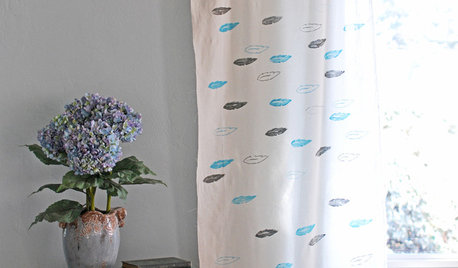
DECORATING PROJECTSDIY: Create a Custom-Stamped Curtain
With simple fabric and a stamp carving kit, you can make your own pattern to apply to curtains and other textiles
Full Story
DECORATING PROJECTSWhat to Do With Old Family Photos
Find out how to research, share and preserve images that offer a connection to the past
Full Story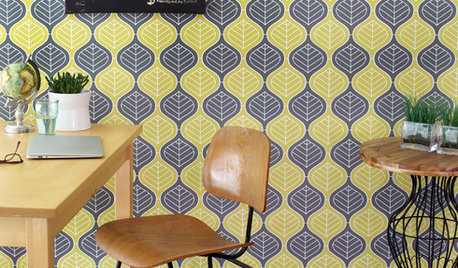
WALL TREATMENTSCan't Find the Right Wallpaper? Make Your Own
For one-of-a-kind walls, just use your imagination. Custom wallpaper is easier and less expensive than you might expect
Full Story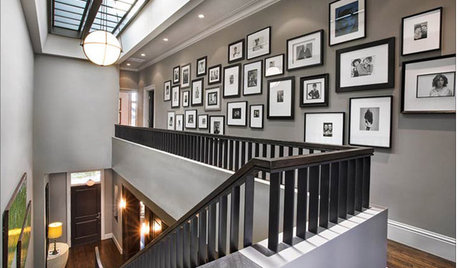
GREAT HOME PROJECTSHow to Design a Family Photo Wall
New project for a new year: Display your favorite images of loved ones for the most personal gallery wall of all
Full Story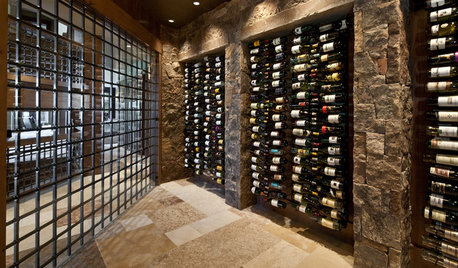
WINE CELLARS8 Wine Cellars Overflowing With Artful Storage
Give your wine collection a high-end home, with a prefab or custom racking system as posh as you please
Full Story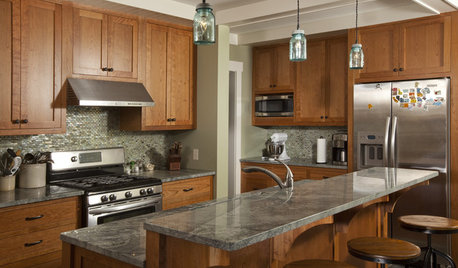
KITCHEN CABINETSCabinets 101: How to Choose Construction, Materials and Style
Do you want custom, semicustom or stock cabinets? Frameless or framed construction? We review the options
Full Story
HOUZZ TOURSMy Houzz: Bohemian Elegance in a Small Space
Flea market finds and custom pieces bring character to a cozy 800-square-foot Los Angeles home
Full Story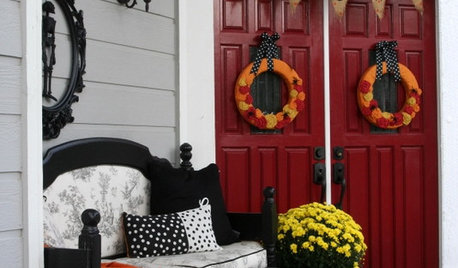
HOLIDAYS36 Stylish and Spooky Halloween Decorating Ideas
Customize your Halloween decor with pumpkin topiaries, glam mantels, glowing tabletops, wreaths and more
Full Story
FURNITUREA Love Letter to Writing Desks
Handwritten notes often become etched in our memories, but these writing desks are memorable in their own right
Full Story
DECORATING GUIDESOn Trend: Home Decor That Draws the Line
And what a bold, graphic line it is. This abstract and geometrical art, furnishings and accessories will stop you in your tracks
Full StorySponsored
MongoCT
bill_g_webOriginal Author
Related Discussions
hate the new format!!!
Q
Curious about text in messages
Q
Attn GW Admin: New Format Problem
Q
What are your thoughts with this new format?
Q