




Scanning Slides/Negatives
zzeasy
12 years ago
Sort by:Oldest
Comments (2)
Related Stories
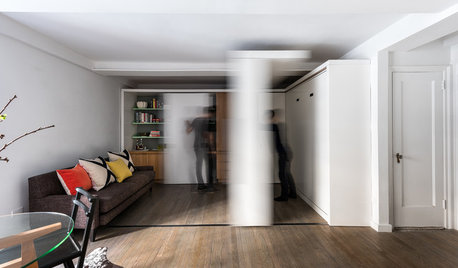
HOUZZ TOURSHouzz Tour: Watch a Sliding Wall Turn a Living Space Into 5 Rooms
A clever custom storage piece transforms this New York City microstudio into multiple living spaces
Full Story
DECORATING PROJECTSWhat to Do With Old Family Photos
Find out how to research, share and preserve images that offer a connection to the past
Full Story
HOUZZ TOURSHouzz Tour: Picture-Perfect Simplicity
It’s like camping out in a catalog sometimes at this classic farmhouse — Pottery Barn and other retailers love it for photo shoots
Full Story
DECORATING GUIDESHow to Make a Room Easier on the Eyes
Create just the right amount of visual stimulation to feel more relaxed and focused at home
Full Story
LIFE10 Reasons to Be Happy You’re a Renter
Homeownership has many benefits, but there are upsides to not owning a home too
Full Story
LIFEWhy We Want a House With a Great View
Research shows that just looking at nature has powerful mental benefits. Here's how to get a boost — with or without a million-dollar view
Full Story
MATERIALS8 Perfect Places for Cutout Designs
Looking for breathtaking drama or simple creative flair? Punched-out panels and meshes are a solid choice
Full Story
LIFEIs Cabin Fever Real? Share Your Story
Are snow piles across the U.S. leading to masses of irritability and boredom? We want to hear your experience
Full Story
KITCHEN DESIGNHouzz Call: What’s Cooking in Your Kitchen?
Most of us turn to recipes, videos and culinary shows when we cook. Where do you set your cookbook, tablet or TV screen?
Full Story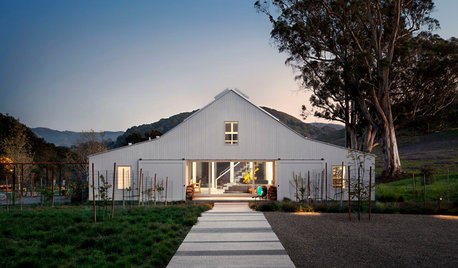
FARMHOUSESHouzz Tour: A Farmhouse in the Dell
Modern style and a barn look mix in a most unusual Sonoma County home
Full Story
zitro_joe
zzeasyOriginal Author
Related Discussions
I've been scanning my dad's negatives......(5 pics)
Q
Scanning Photo Negatives With Psp 8.10
Q
Question about scanning negatives (into Photoshop)
Q
My first scanned old negative!
Q