




Washed out reds on digital
gor-gor
14 years ago
Sort by:Oldest
Comments (6)
Related Stories

HOME TECHFacebook Meets Fido: Pet Connections for the Digital Age
Three new products let you communicate with your dog or cat while you're at work
Full Story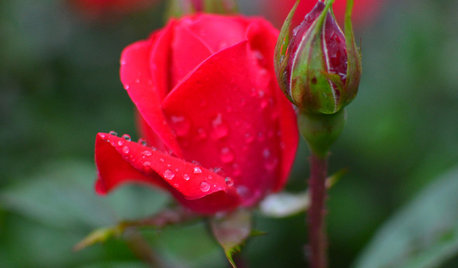
GARDENING GUIDESGreat Design Plant: Knock Out Roses
As glorious as their high-maintenance kin for a fraction of the work, Knock Out roses make even beginners look like garden stars
Full Story
GARDENING GUIDESBackyard Birds: Northern Cardinals in the Snow, and Other Red Birds
Brilliant crimson feathers make these friends stand out in a crowd
Full Story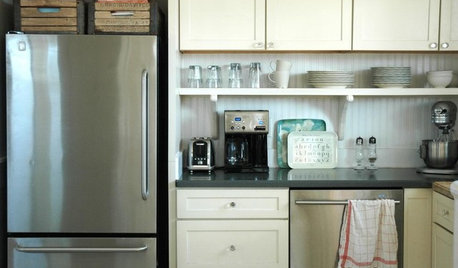
KITCHEN DESIGNTrick Out Your Kitchen Backsplash for Storage and More
Free up countertop space and keep often-used items handy by making your backsplash more resourceful
Full Story
DECORATING GUIDESLiving Room Features That Never Go Out of Style
These key pieces will help your living room keep its good looks, no matter what's in fashion
Full Story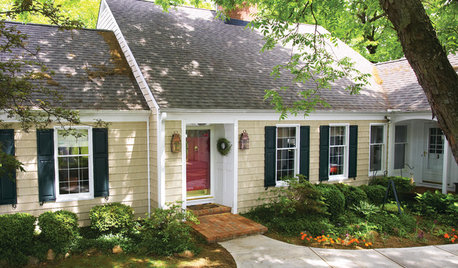
HOUSEKEEPINGHow to Wash Your House
Avoid damage to siding and plants while getting your home's exterior shining clean, with this guide to using pressure washers and hoses
Full Story
BLUEMarine Blue Washes Ashore
Straight from the ocean waves, this deep, dramatic blue makes a perfect partner for landlocked interiors
Full Story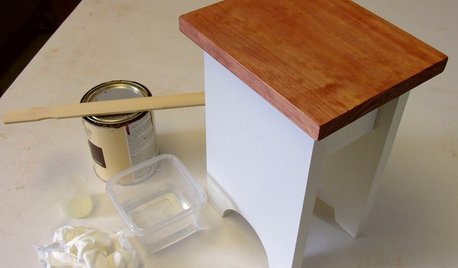
DIY PROJECTSCool Tip: Mimic Stain With a DIY Color Wash
Get the look of an oil-based stain without all the bother, using this easy wash made with paint
Full Story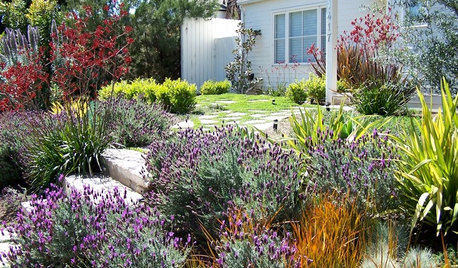
SAVING WATERGreat Plants for Lush, Low-Water Gardens
Water restrictions making your garden look washed out? Give it living color with unthirsty grasses, flowers and succulents
Full Story
COLORWhat Goes With Red Walls?
These coordinating colors and materials will make your red walls look right at home
Full StorySponsored
rcnaylor
alisande
Related Discussions
Red Oak - White Wash/Pickle Finish
Q
QOTD - to wash, or not to wash
Q
DA Color Wash Out
Q
DA Roses That Look Washed Out
Q
jemdandy
gor-gorOriginal Author
gor-gorOriginal Author
jemdandy