







LG WT4801CW - dL Error code, anyone else?
greyhound119
12 years ago
Related Stories
HOUZZ QUIZHouzz Quiz: What Color Should You Paint Your House?
Is white right? Maybe dark blue-gray? Take our quiz to find out which color is best for you and your home
Full Story
MOST POPULAR10 Smart Ideas for Your Laundry Room Remodel
Make washing and drying easier and more comfortable by considering ergonomics, storage and special features
Full Story
HOUSEKEEPINGWhat's That Sound? 9 Home Noises and How to Fix Them
Bumps and thumps might be driving you crazy, but they also might mean big trouble. We give you the lowdown and which pro to call for help
Full Story
KITCHEN DESIGN20 Kitchen Must-Haves From Houzz Readers
We asked you to tell us your top kitchen amenities. See what popular kitchen features made the list
Full Story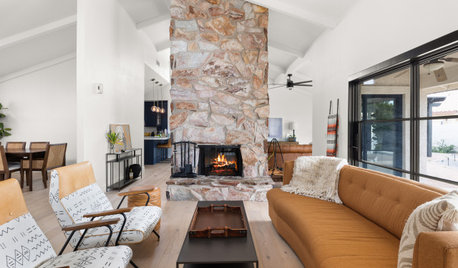
DECORATING GUIDESHow to Get Your Furniture Arrangement Right
Follow these 10 basic layout rules for a polished, pulled-together look in any room
Full Story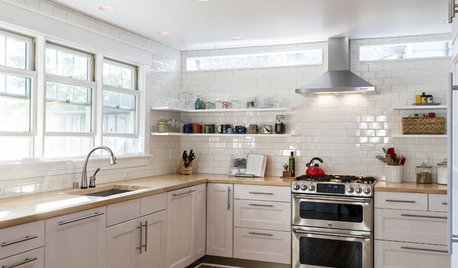
KITCHEN DESIGNBetter Circulation for a Family Kitchen and Bathroom
An architect’s smart design moves helped rearrange this Louisville kitchen to create a more sensible workflow
Full StorySponsored

Franklin County's Preferred Architectural Firm | Best of Houzz Winner
More Discussions

mydreamhome
Related Professionals
Kettering Kitchen & Bathroom Remodelers · Omaha Kitchen & Bathroom Remodelers · Toms River Kitchen & Bathroom Remodelers · York Kitchen & Bathroom Remodelers · South Jordan Kitchen & Bathroom Remodelers · Joppatowne Kitchen & Bathroom Remodelers · Crestview Cabinets & Cabinetry · Lindenhurst Cabinets & Cabinetry · North Dakota Custom Closet Designers · Cottage Grove Flooring Contractors · Goodyear Flooring Contractors · Kendall West Flooring Contractors · Leland Flooring Contractors · Lynbrook Flooring Contractors · Palm Springs Flooring Contractors