




PC question
JoAnn_Fla
11 years ago
Related Stories

COFFEE WITH AN ARCHITECTA Few Things I Would Like to Ask Frank Lloyd Wright
It could take a lifetime to understand Frank Lloyd Wright's work — less if we had answers to a few simple questions
Full Story
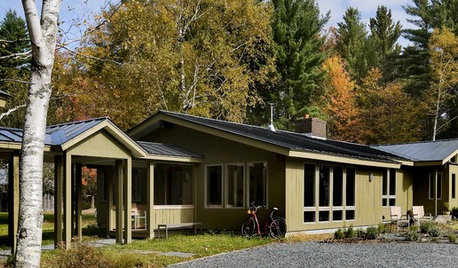
HOUZZ TOURSHouzz Tour: Open and Cozy Family Space
Ranch Re-dressing Creates Light, Airy Home on Original Footprint
Full Story
WORKING WITH PROSGo Beyond the Basics When Interviewing Architects
Before you invest all that money and time, make sure you and your architect are well matched beyond the obvious levels
Full Story
KITCHEN DESIGNUsing White Marble: Hot Debate Over a Classic Beauty
Do you love perfection or patina? Here's how to see if marble's right for you
Full Story
BEDROOMSIdeabook 911: Desks in the Bedroom — Yea or Nay?
Does a Desk Belong in Your Sleeping Quarters? 14 Reasons to Say Yes
Full Story
HOME TECHRecycle Your Electronics ... Into Furniture!
Eco awareness and geek-chic style merge in home furnishings made from the gadgets of days gone by
Full Story
STUDIOS AND WORKSHOPSCreative Houzz Users Share Their ‘She Sheds’
Much thought, creativity and love goes into creating small places of your own
Full Story
BATHROOM DESIGNKey Measurements to Make the Most of Your Bathroom
Fit everything comfortably in a small or medium-size bath by knowing standard dimensions for fixtures and clearances
Full Story
MATERIALSMaterials Workshop: Polycarbonate — a Low-Cost Alternative to Glass
Looking for something lighter, stronger and less expensive than glass? Multiwall polycarbonate may be a good option
Full StorySponsored
yayagal
JoAnn_FlaOriginal Author
Related Discussions
PC question
Q
pc memory question
Q
Not Really A PC Question
Q
Vista User Manual
Q
ravencajun Zone 8b TX
Chemocurl zn5b/6a Indiana