




HTML Editor for iMac
gene
12 years ago
Sort by:Oldest
Comments (3)
Related Stories
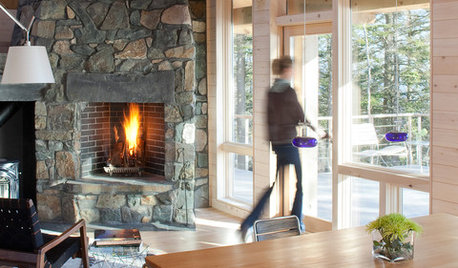
WOODKnotty and Nice: Highly Textured Wood Has a Modern Revival
Whether it's cedar, fir or pine, if a wood has a knot, it's hot
Full Story
EVENTSOn Show: The Ingenuity of Ancient Architecture
A German exhibit celebrates the diversity of traditional homes built with materials at hand
Full Story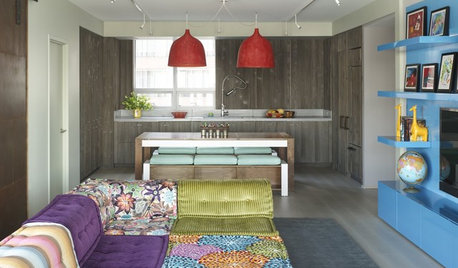
HOUZZ TOURSHouzz Tour: Gloriously Untamed Color in a Manhattan Home
Supersaturated colors and the spirit of the outdoors let imagination run wild in an urban apartment for a family of 7
Full Story
MY HOUZZMy Houzz: A Hat Collection in Los Angeles That’s Hard to Top
A makeup artist’s lifelong passion for designer hats lends eccentric charm to her apartment in the NoHo arts district
Full Story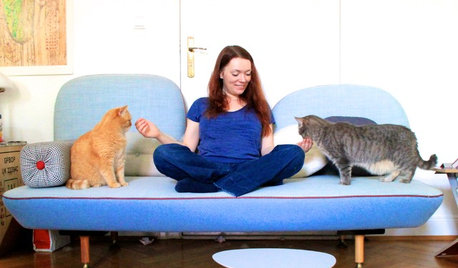
PETSWorld of Design: Pampered Pets and Their 10 One-of-a-Kind Homes
Fall in love with these critters and their clever living spaces, from a cat playground in France to a chicken house in the U.S.
Full Story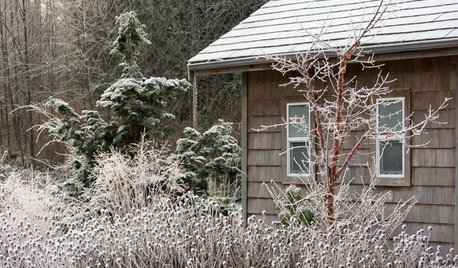
WINTER GARDENINGLook Beyond Plants for a Wonderful Winter Garden
Use sculptures, fences and other structures to draw the eye to a bare-bones landscape
Full Story
LIFEHow Do You Make Your Tea and Coffee in the Morning?
A morning cup is a must for many, and preparation comes in many guises. We look at coffee and tea habits across the Houzz community
Full Story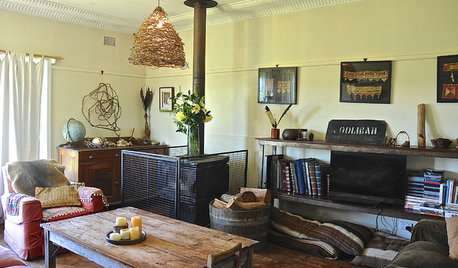
HOUZZ TOURSMy Houzz: Cozy Country Meets Bohemian Artistic in Australia
Healthy helpings of salvage and rustic art give a pastureland home free-spirited style
Full Story
SMALL HOMESHouzz Tour: Comfy and Cozy in 630 Square Feet
This Maine cottage's clever layout, thoughtful storage and hosting abilities show that downsizing doesn't have to mean doing without
Full Story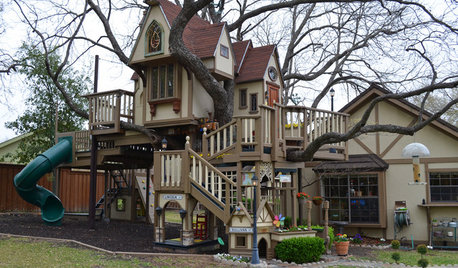
MOST POPULARThe Most Incredible Kids' Tree House You'll Ever See?
Duck your head to enter this unforgettable Dallas wonderwork, lovingly crafted with imaginative delights
Full StorySponsored
mike_kaiser_gw
geneOriginal Author
Related Discussions
Volunteer FAQ Editor Needed
Q
? about HTML editors
Q
bbcode2html
Q
HTML and Word Pad
Q
mike_kaiser_gw