




Turbo Tax type programs for home and business
ladybug1
18 years ago
Related Stories

HOUSEKEEPINGCan-Do Cleaning Strategies for Busy People
While you dream of having a maid (to go with the cook and chauffer), this simplified cleaning routine can keep your real-world home tidy
Full Story
GREEN BUILDINGWhat's LEED All About, Anyway?
If you're looking for a sustainable, energy-efficient home, look into LEED certification. Learn about the program and its rating system here
Full Story
ARCHITECTUREDesign Practice: How to Start Your Architecture Business
Pro to pro: Get your architecture or design practice out of your daydreams and into reality with these initial moves
Full Story
LIFECould Techies Get a Floating Home Near California?
International companies would catch a big business break, and the apartments could be cool. But what are the odds of success? Weigh in here
Full Story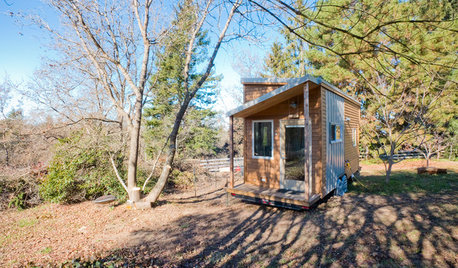
SMALL HOMESHouzz Tour: Rolling With Simplicity in a Tiny House on Wheels
Just 240 square feet, this California home encourages efficient living — but there’s still room for yoga
Full Story
HOUZZ TOURSMy Houzz: Ranch Home in the Northwest Suburbs
Newlywed couple brings the rodeo home with repurposed saddles, boots, and plenty of cowboy charm
Full Story
SMALL HOMESTiny Houzz Tour: Living the Good Life Their Way
This owner-built home in Australia may be on the small side, but it provides the perfect space for the family’s big dreams to come true
Full Story
GREEN BUILDING5 Things LEED Interior Designers Want You to Know
LEED means healthier homes — OK, maybe you got that. But some of these facts about the accredited designers may surprise you
Full Story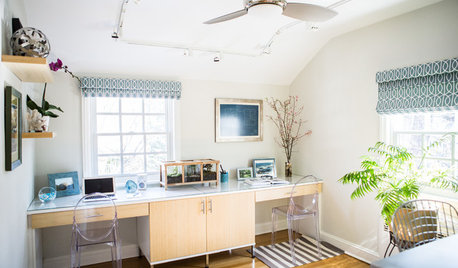
HOME OFFICESNew This Week: 3 Home Offices That Know How to Work It
We look at the designers’ secrets, ‘uh-oh’ moments and nitty-gritty details of 3 great home offices uploaded to Houzz this week
Full Story
MOVINGHow to Avoid Paying Too Much for a House
Use the power of comps to gauge a home’s affordability and submit the right bid
Full Story
More Discussions
randy427
JerriEllijay
Related Discussions
Veggie Garden Home Business
Q
TurboTax - do I dare?
Q
Outward bound type programs for young adults?
Q
Busy! Busy! Busy!
Q
steve_o
ladybug1Original Author