







Baste in hoop (fix button) help
Vicky45
13 years ago
Sort by:Oldest
Comments (3)
Related Stories
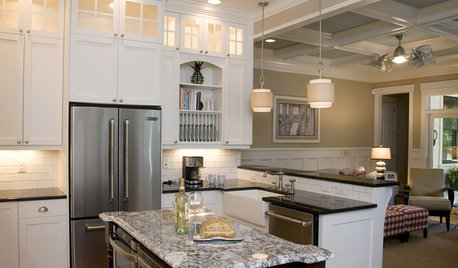
KITCHEN DESIGNStay Cool About Picking the Right Refrigerator
If all the options for refrigeration leave you hot under the collar, this guide to choosing a fridge and freezer will help you chill out
Full Story
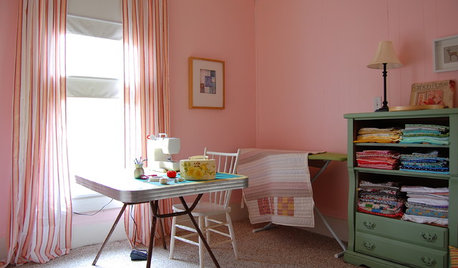
STUDIOS AND WORKSHOPSA Stitch in Time: Creative Sewing Spaces
Sewing rooms have become popular again as people of all ages embrace simple crafts they can do at home
Full Story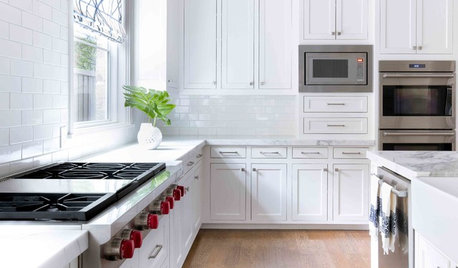
KITCHEN APPLIANCES9 Places to Put the Microwave in Your Kitchen
See the pros and cons of locating your microwave above, below and beyond the counter
Full StorySponsored
clt3
Vicky45Original Author
Related Professionals
Carlisle Furniture & Accessories · Dallas Furniture & Accessories · Denver Furniture & Accessories · Owensboro Furniture & Accessories · San Diego Furniture & Accessories · San Diego Furniture & Accessories · Walnut Creek Furniture & Accessories · Encinitas Furniture & Accessories · Miami Beach Furniture & Accessories · Moraga Furniture & Accessories · Gloucester City Interior Designers & Decorators · Hagerstown Interior Designers & Decorators · Liberty Township Interior Designers & Decorators · Fitchburg Home Stagers · Westminster Home Stagerspixieab