







We ran an HDMI from the computer to the Magnavox
albert_135 39.17°N 119.76°W 4695ft.
13 years ago
Sort by:Oldest
Comments (4)

Related Stories
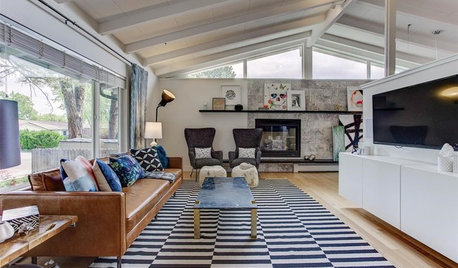
MOST POPULARHow High Should You Mount Your TV?
Today we look at an important question to consider when locating your television: How high should you set it?
Full Story
LIFEHouzz Call: Show Us Your Nutty Home Fixes
If you've masterminded a solution — silly or ingenious — to a home issue, we want to know
Full Story
KITCHEN DESIGNKitchen Confidential: 13 Ideas for Creative Corners
Discover clever ways to make the most of kitchen corners to get extra storage and additional seating
Full StorySponsored
More Discussions


netlos
albert_135 39.17°N 119.76°W 4695ft.Original Author
Related Professionals
Danville Home Automation & Home Media · Flower Mound Home Automation & Home Media · Fort Collins Home Automation & Home Media · Fort Lauderdale Home Automation & Home Media · Greatwood Home Automation & Home Media · Hialeah Gardens Home Automation & Home Media · Pittsburgh Home Automation & Home Media · Yeadon Home Automation & Home Media · Grand Haven Home Automation & Home Media · Sugar Hill Home Automation & Home Media · Wellesley Electricians · Green Bay Lighting · Orcutt Lighting · South Bend Lighting · York Lightingnetlos
albert_135 39.17°N 119.76°W 4695ft.Original Author