




Getting used to Windows 7, but-
mudlady_gw
11 years ago
Sort by:Oldest
Comments (3)
Related Stories
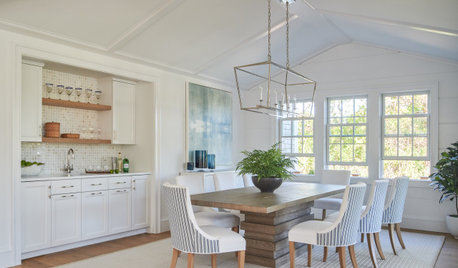
HOUSEKEEPING7-Day Plan: Get a Spotless, Beautifully Organized Dining Room
Give us a week and we’ll give you a dining room you’ll be happy to use for a special occasion or every day
Full Story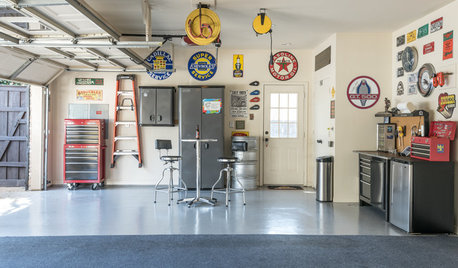
HOUSEKEEPING7-Day Plan: Get a Spotless, Beautifully Organized Garage
Stop fearing that dirty dumping ground and start using it as the streamlined garage you’ve been wanting
Full Story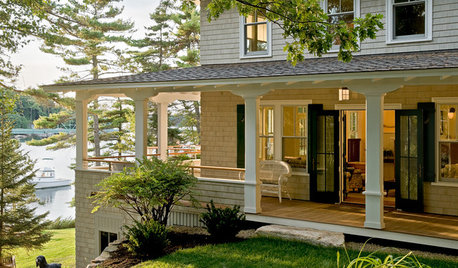
GARDENING AND LANDSCAPING7 Ideas to Get You Back on the Front Porch
Remember the good old days, when porches offered front-row seats to street scenes? They can be even better today
Full Story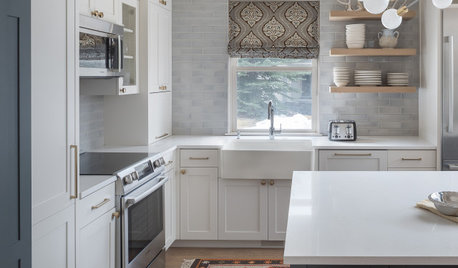
ORGANIZING7-Day Plan: Get a Spotless, Beautifully Organized Kitchen
Our weeklong plan will help you get your kitchen spick-and-span from top to bottom
Full Story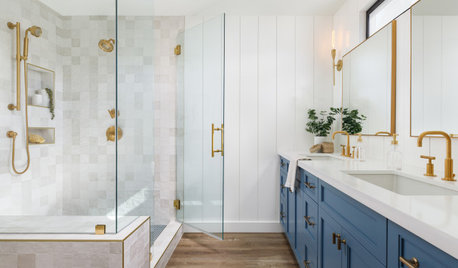
BATHROOM DESIGN7-Day Plan: Get a Spotless, Beautifully Organized Bathroom
We’ve broken down cleaning and decluttering the bath into daily, manageable tasks
Full Story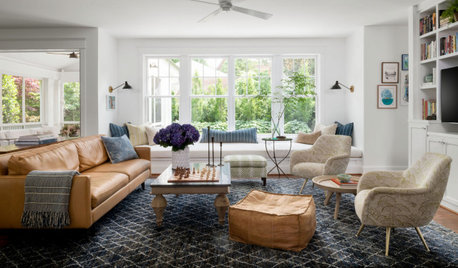
HOUSEKEEPING7-Day Plan: Get a Spotless, Beautifully Organized Living Room
A task a day sends messes away. Take a week to get your living room in shape
Full Story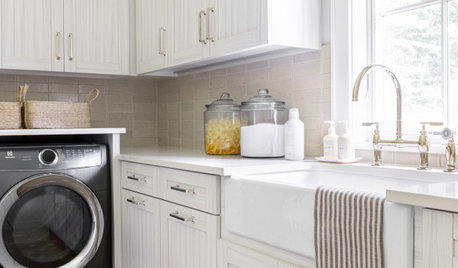
LAUNDRY ROOMS7-Day Plan: Get a Spotless, Beautifully Organized Laundry Room
Get your laundry area in shape to make washday more pleasant and convenient
Full Story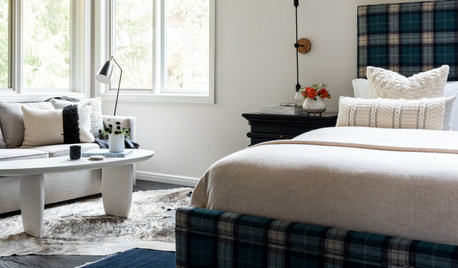
HOUSEKEEPING7-Day Plan: Get a Spotless, Beautifully Organized Bedroom
Create a sanctuary where you can relax and dream without the nightmare of lurking messes
Full Story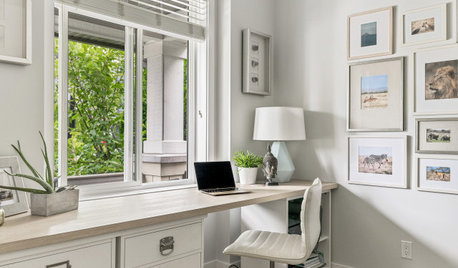
ORGANIZING7-Day Plan: Get a Spotless, Beautifully Organized Home Office
Start your workday with a smile in a home office that’s neat, clean and special to you
Full Story
HOUSEKEEPING7-Day Plan: Get a Spotless, Beautifully Organized Entry Hall
Take your entry from scuffed up to spiffed up — restoring total cleanliness and order in just a week
Full Story
mikie_gw
emma
Related Discussions
no sound using hdmi to hdtv windows 7
Q
new issue now with Windows 7
Q
Windows 7, 64 bits, how tocontinue to use 32-bit WinXP progs?
Q
Paintable Windows for Historically Inspired (But Not Accurate) House
Q
DA_Mccoy