




security panic...
paleblue
12 years ago
Sort by:Oldest
Comment (1)
Related Stories
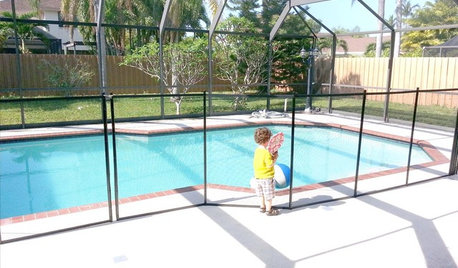
HEALTHY HOMEThese Steps Will Help Keep Kids Safe Around Pools and Spas
Implement several layers of security to prevent life-threatening accidents in and around the pool
Full Story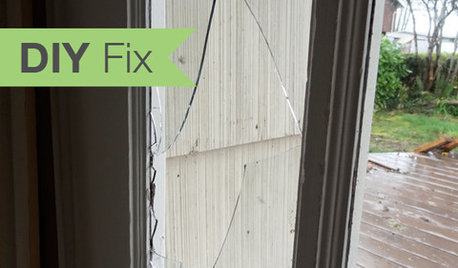
HOUSEKEEPINGDIY Fix: How to Repair a Broken Glass Door Pane
Don't let broken glass shatter your self-esteem. You can fix it more easily and more inexpensively than you might realize
Full Story
ENTERTAININGModern Manners: Smooth Moves for Kids' Visits
For hosting kids or visiting with Junior in tow, we give you a plan to keep stress levels low and fun levels high
Full Story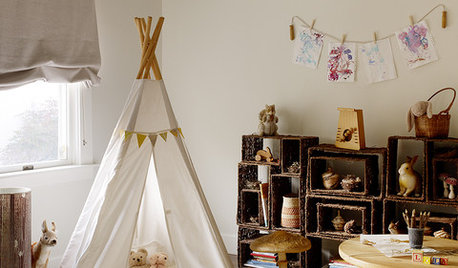
KIDS’ SPACES10 Ways to Entertain Kids on Rainy Days
Make a few imagination-friendly room adjustments now to keep your kids busy — and your sanity intact — when nasty weather hits
Full Story
KITCHEN DESIGNGet a Grip on Kitchen Cabinets With the Right Knobs and Pulls
Here's how to pair the right style, type and finish of cabinet hardware with your kitchen style
Full Story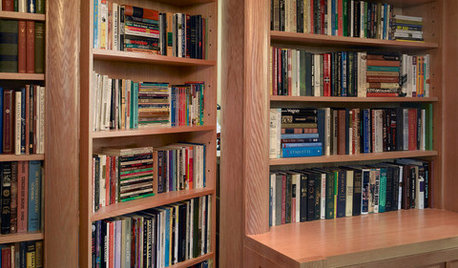
GREAT HOME PROJECTSHow to Create a Secret Doorway Behind a Bookcase
Hide your valuables (or unsightly necessities) in a room or nook that no one will guess is there
Full Story
LIFEHow Your Landscaping Can Keep Burglars Away
Prevent home break-ins with strategic landscaping and good practices instead of menacing — and maybe less effective — measures
Full Story
THE HARDWORKING HOMECES 2015: Inching Toward a Smarter Home
Companies are betting big on connected devices in 2015. Here’s a look at what’s to come
Full Story
FEEL-GOOD HOME6 Design Ideas for Happy Pets
Keep your dog or cat feeling safe and in high spirits, and you'll all feel more at peace. Here's how
Full Story
Unlock the Secret to Keeping Keys in Check
Say goodbye to frenetic searching with key storage that suits your needs and matches your home's style
Full StorySponsored

Columbus Area's Luxury Design Build Firm | 17x Best of Houzz Winner!
mikie_gw
Related Discussions
Panic mode setting in...
Q
Security System - dos and donts
Q
Microsoft Security Essentials stopped working
Q
Home Security Systems?
Q