




Combining Multiple Favorites on Multiple Browsers W/O Duplication
mxyplx
12 years ago
Sort by:Oldest
Comments (2)
Related Stories
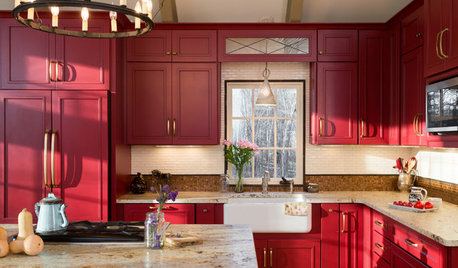
KITCHEN DESIGNKitchen of the Week: Casual Equestrian Feel on a Horse Farm
Red cabinetry, salvaged barn decor and a window for feeding treats to horses combine in a lively, comfortable family kitchen
Full Story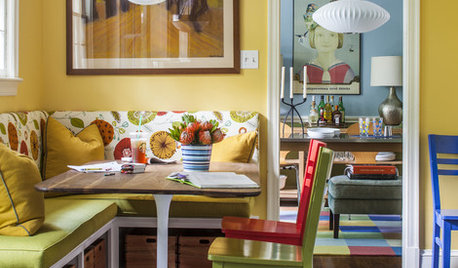
COLORColor Feast: 6 Deliciously Uncommon Dining Room Color Combos
Give your mealtime space a generous helping of hues paired in a most refreshing way
Full Story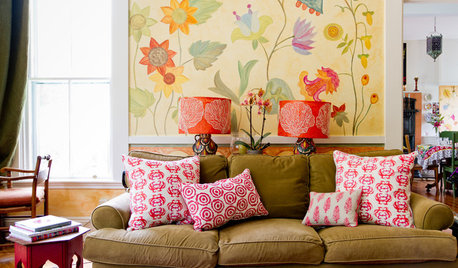
HOUZZ TOURSMy Houzz: Accessibility With Personality in an 1870 Home
Hand-painted murals and personal touches fill an accessible home with warmth and charm
Full Story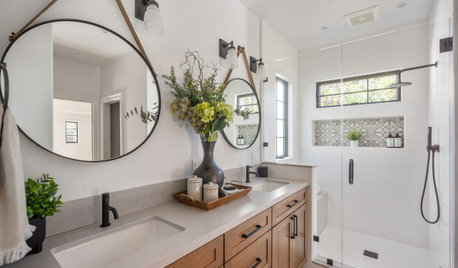
BATHROOM DESIGN5 Common Bathroom Design Mistakes to Avoid
Get your bath right for the long haul by dodging these blunders in toilet placement, shower type and more
Full Story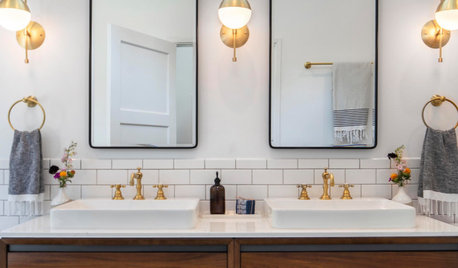
BATHROOM WORKBOOKHow to Get Your Bathroom Vanity Lighting Right
Create a successful lighting plan with tips on where to mount fixtures and other design considerations
Full Story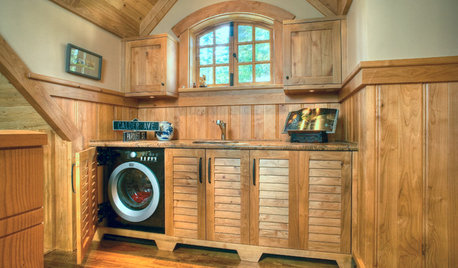
LAUNDRY ROOMSClever Ways to Hide a Laundry Station
When you don’t have a whole room to devote to the wash, use these solutions to tuck the machines out of view
Full Story
DECLUTTERINGEscape the Inheritance Trap: What to Do With Sentimental Pieces
Too meaningful to toss but too hideous, precious or unusual to display? These ideas can help
Full Story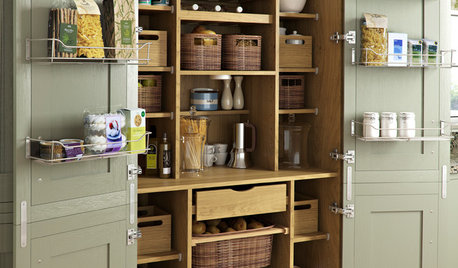
KITCHEN PANTRIES80 Pretty and Practical Kitchen Pantries
This collection of kitchen pantries covers a wide range of sizes, styles and budgets
Full Story
MOST POPULARHouzzers Deck the Halls
From traditional to quirky to innovative, readers show their Christmas tree style
Full Story
TRAVEL BY DESIGNHouzz TV: Take a Leaf-Peeping Road Trip in New England
Ride along with a Houzz contributing photographer to see gorgeous autumn eye candy from New York to New Hampshire
Full StorySponsored

Columbus Area's Luxury Design Build Firm | 17x Best of Houzz Winner!
ravencajun Zone 8b TX
mxyplxOriginal Author
Related Discussions
Favorite small leaves to cast?
Q
Platoon, ATTTTENTION!! the 13th annual super bowl office pool
Q
UPDATE: WoW Thanks! I wanted That! # 10
Q
Favorite things about your yard?
Q