




MS Publisher 2007 & Odd looking text
Nonnie_GA
16 years ago
Sort by:Oldest
Comment (1)
Related Stories
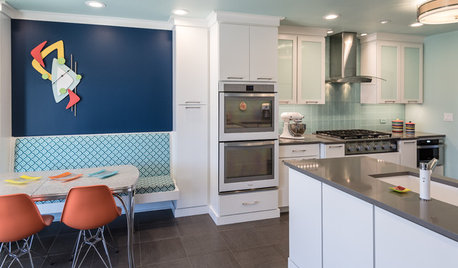
KITCHEN OF THE WEEKKitchen of the Week: Fans of Traditional Style Go For a ‘Mad Men’ Look
The TV show inspires a couple to turn their back on the style they knew and embrace a more fun and funkier vibe in their kitchen
Full Story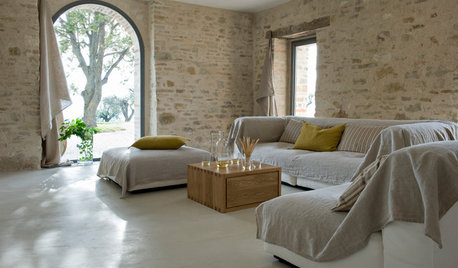
DECORATING GUIDESHow to Get Authentic French Style in Your Home
Move over Shabby Chic and French Provincial. These myths and realities reveal the real look of French decor
Full Story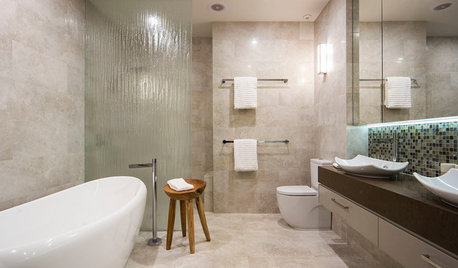
SELLING YOUR HOUSE10 Tricks to Help Your Bathroom Sell Your House
As with the kitchen, the bathroom is always a high priority for home buyers. Here’s how to showcase your bathroom so it looks its best
Full Story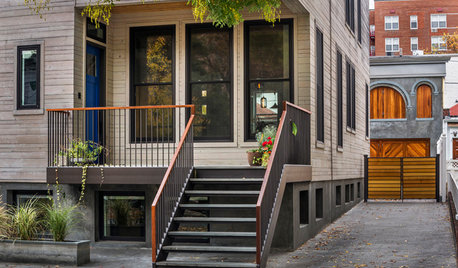
HOUZZ TOURSHouzz Tour: A Brooklyn Townhouse Takes a Warm, Contemporary Turn
Softening a traditional boxy shape creates better access and a more interesting look for a Brooklyn family home
Full Story
MODERN HOMESHouzz Tour: 800-Year-Old Walls, Modern Interiors in Provence
Old architecture and new additions mix beautifully in a luxurious renovated vacation home
Full Story
LIGHTING5 Questions to Ask for the Best Room Lighting
Get your overhead, task and accent lighting right for decorative beauty, less eyestrain and a focus exactly where you want
Full Story
DECORATING GUIDESMore Is More: The 10 Tenets of Maximalist Style
Ready to join the school of over-the-top design? Learn how to embrace excess in your interiors
Full Story
LIFEHow to Build Your Housekeeping Muscle
Train yourself to clean and organize until the routine becomes second nature with this step-by-step approach
Full Story
ARCHITECTUREHouzz Tour: Sturdy Enough for a Tsunami
Storms don't scare this Washington state home; breakaway features and waterproof finishes let it weather high winds and waves
Full Story
mtnester
Related Discussions
2006 Official Rose Supplement, January 2007
Q
2006 Official Rose List Supplement, February 2007
Q
MS Office 2010
Q
Microsoft Publisher 2003 Question
Q