




USB not recognized but "nothing plugged in": solved
weed30 St. Louis
11 years ago
Sort by:Oldest
Comment (1)
Related Stories
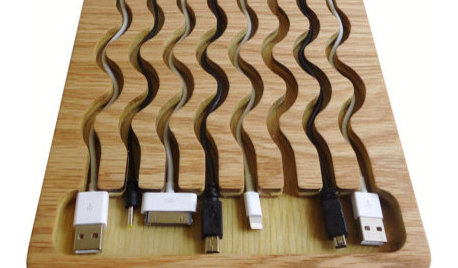
PRODUCT PICKSGuest Picks: Stay Charged
It’s power to the people with the coolest smartphone and tablet chargers, stations and cord organizers on the block
Full Story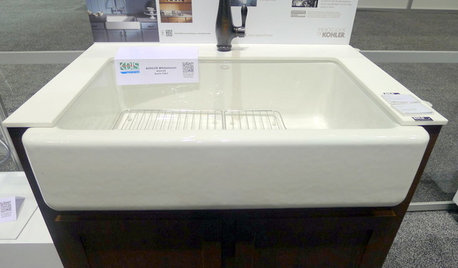
Highlights From the 2012 Kitchen and Bath Industry Show
Innovations in sinks, outlets and surface materials for kitchens and baths shone at this year's show
Full Story
LIFEThe Polite House: How to Deal With Noisy Neighbors
Before you fly off the handle, stop and think about the situation, and follow these steps to live in harmony
Full Story
THE HARDWORKING HOMECES 2015: Inching Toward a Smarter Home
Companies are betting big on connected devices in 2015. Here’s a look at what’s to come
Full Story
LIFEImprove Your Love Life With a Romance-Ready Bedroom
Frank talk alert: Intimacy and your bedroom setup go hand in hand, says a clinical sexologist. Here's her advice for an alluring design
Full Story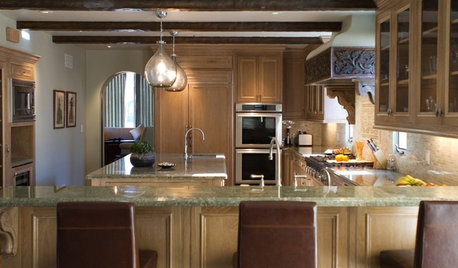
KITCHEN DESIGNHouzzers Say: Top Dream Kitchen Must-Haves
Tricked-out cabinets, clean countertops and convenience top the list
Full Story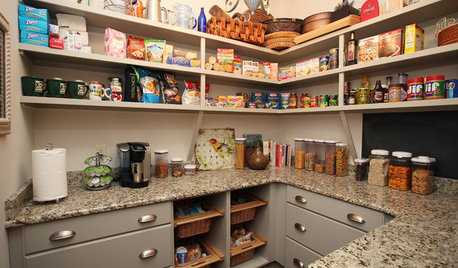
LIFEHow to Prepare for and Live With a Power Outage
When electricity loss puts food, water and heat in jeopardy, don't be in the dark about how to stay as safe and comfortable as possible
Full Story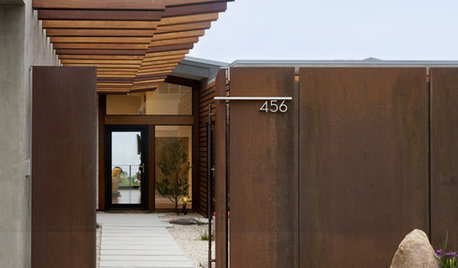
MOST POPULAR8 Things Successful Architects and Designers Do
Good architects tell a story and engage the senses. They understand the rules — and know when to break them
Full Story
LIFEHow to Stay Relaxed When Hosting Overnight Guests
Make sure their visit goes smoothly by following these simple steps
Full Story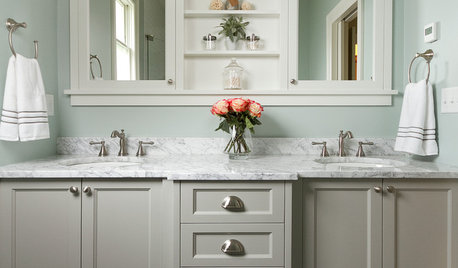
BATHROOM DESIGNShould You Get a Recessed or Wall-Mounted Medicine Cabinet?
Here’s what you need to know to pick the right bathroom medicine cabinet and get it installed
Full Story
urlee
Related Discussions
Nephew has a major computer problem.
Q
Looking to end for XP suggestions and possible help
Q
Can I use a computer to record TV progs.--especially on a timer?
Q
aio printer/fax no dial tone
Q