




Microsoft Publisher
Nonnie_GA
11 years ago
Sort by:Oldest
Comments (3)
Related Stories
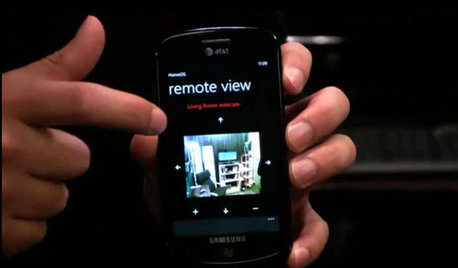
HOME TECHDoes Your Home Need an Operating System?
New technologies hope to unify the lawless frontier of home-automation products. Would they work for you?
Full Story
HOUZZ TOURSHouzz Tour: Natural Meets Industrial in a Canal-Side Washington Home
Wood and steel mix with copious glass in a contemporary new build that seamlessly transitions to the outdoors
Full Story
CRAFTSMAN DESIGNHouzz Tour: Bridging Past and Present in a California Craftsman
A Santa Monica bungalow says goodbye to gloominess and hello to a bright new look that mixes modern and traditional
Full Story
DECORATING PROJECTSWhat to Do With Old Family Photos
Find out how to research, share and preserve images that offer a connection to the past
Full Story
bob414
nearandwest
Related Discussions
New year, looking for new laptop
Q
anyone use Publisher 2007 to publish web site?
Q
? about HTML editors
Q
Why am I having to logoff my user account
Q
cynic