




Problem after Windows 7 Update
deew
12 years ago
Related Stories
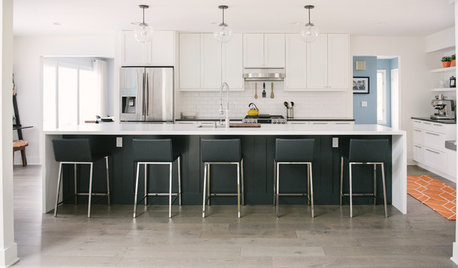
WHITE KITCHENSBefore and After: Modern Update Blasts a '70s Kitchen Out of the Past
A massive island and a neutral color palette turn a retro kitchen into a modern space full of function and storage
Full Story
LANDSCAPE DESIGNProblem Solving With the Pros: An Abundant Garden Stretches Its Means
Swaths of resilient, eye-catching plants thrive with little care or resources in the landscape of a Pennsylvania farmhouse
Full Story
REMODELING GUIDESThe Hidden Problems in Old Houses
Before snatching up an old home, get to know what you’re in for by understanding the potential horrors that lurk below the surface
Full Story
BEFORE AND AFTERS8 Bathroom Updates Have Ideas for Every Style
All white, classic vintage and brightly eclectic are just some of the new looks sported by the transformed bathrooms you'll find here
Full Story
LIVING ROOMSRoom of the Day: Living Room Update for an 1800s New England House
Major renovation gives owners the open, contemporary feel they love
Full Story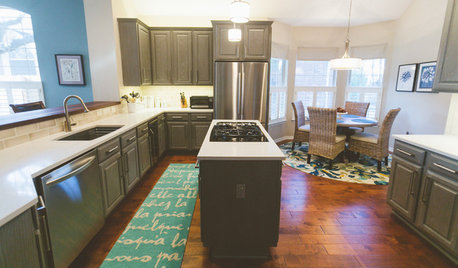
BEFORE AND AFTERSGray Cabinets Update a Texas Kitchen
Julie Shannon spent 3 years planning her kitchen update, choosing a gray palette and finding the materials for a transitional style
Full Story
ECLECTIC HOMESHouzz Tour: Problem Solving on a Sloped Lot in Austin
A tricky lot and a big oak tree make building a family’s new home a Texas-size adventure
Full Story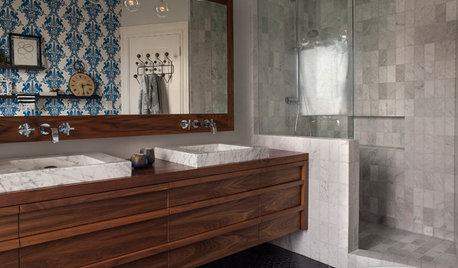
BEFORE AND AFTERSBefore and After: 19 Dramatic Bathroom Makeovers
See what's possible with these examples of bathroom remodels that wow
Full Story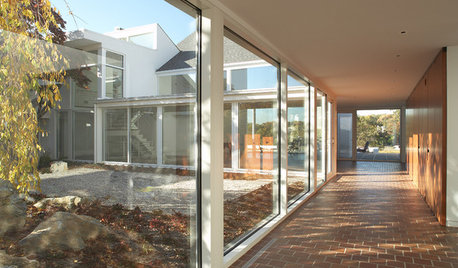
GREAT HOME PROJECTSUpdate Your Windows for Good Looks, Efficiency and a Better View
Great home project: Replace your windows for enhanced style and function. Learn the types, materials and relative costs here
Full Story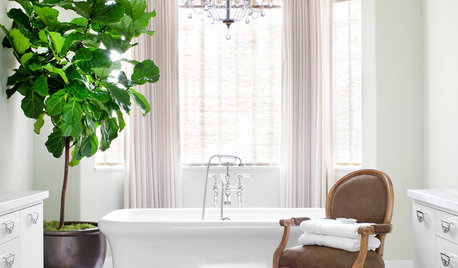
BATHROOM DESIGNThe Elegant Look of Draperies in the Bathroom
Drapes add privacy and soften a room full of hard surfaces. See how they can be styled for baths
Full Story
genes
deewOriginal Author
Related Discussions
Windows 7 problems
Q
BSOD after Windows Update on Vista
Q
Windows 7 users BSOD from an update reported
Q
Boot problem after MS updates
Q