




Toolbar at bottom now at left side.
john_ny
11 years ago
Related Stories
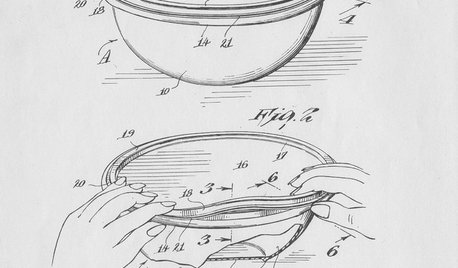
FEATURESHow Tupperware’s Inventor Left a Legacy That’s Anything but Airtight
Earl S. Tupper — and his trailblazing marketing guru, Brownie Wise — forever changed food storage. His story is stranger than fiction
Full Story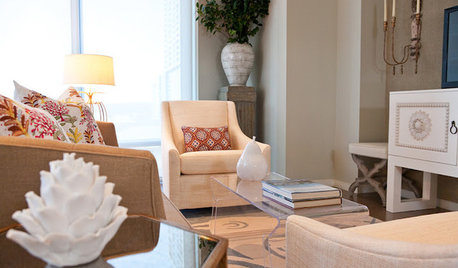
DECORATING GUIDESRoom of the Day: Designer Outfits a Condo Top to Bottom in 5 Weeks
Soft touches warm this modern Texas living space, and bold colors brighten the neutral palette
Full Story
FUN HOUZZ14 Things You Need to Start Doing Now for Your Spouse’s Sake
You have no idea how annoying your habits at home can be. We’re here to tell you
Full Story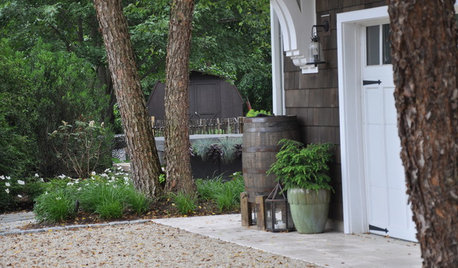
SAVING WATER6 Reasons Why You Should Save Your Rainwater Now
Collect and store during the rainy season so you’ll have water ready for irrigation when you need it
Full Story
GARDENING AND LANDSCAPINGHouzz Survey: See What Homeowners Are Doing With Their Landscapes Now
Homeowners are busy putting in low-maintenance landscapes designed for outdoor living, according to the 2015 Houzz landscaping survey
Full Story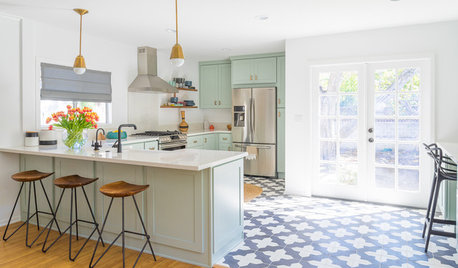
KITCHEN DESIGNTrending Now: 25 Kitchen Photos Houzzers Can’t Get Enough Of
Use the kitchens that have been added to the most ideabooks in the last few months to inspire your dream project
Full Story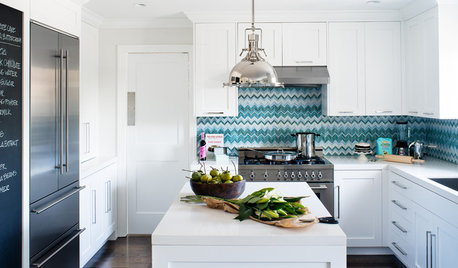
DECORATING GUIDESHow to Love Your Kitchen More, Right Now
Make small changes to increase the joy in your kitchen while you cook and bake, without shelling out lots of dough
Full Story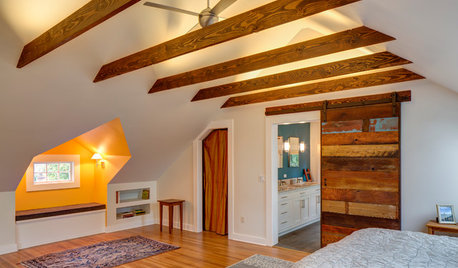
REMODELING GUIDESRoom of the Day: Storage Attic Now an Uplifting Master Suite
Tired of sharing a bathroom with their 2 teenage kids, this couple moves on up to a former attic space
Full Story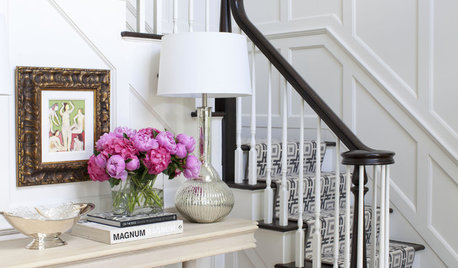
STAIRWAYSTrending Now: 15 Staircases Making Houzzers Swoon
Stair runners, reclaimed wood, seating and storage are featured in the most popular stairway photos on Houzz
Full Story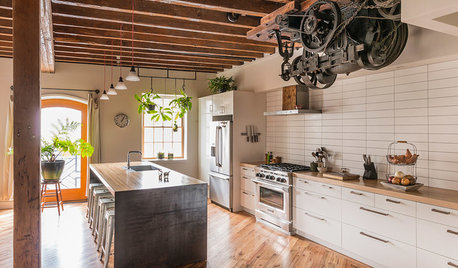
GREEN BUILDINGHouzz Tour: Pickle Factory Now an Energy-Wise Live-Work Space
A charming but poorly insulated 1880s Philadelphia commercial building becomes a spacious energy-efficient home and studio
Full Story
ravencajun Zone 8b TX
john_nyOriginal Author
Related Discussions
I would like to delete some items out of my toolbar
Q
FP washer- water left in bottom/foul odor
Q
toolbar hidden on mac
Q
Silicone liner left in oven during self-cleaning - now what?
Q
ravencajun Zone 8b TX