




Spam, or? How to turn off 'Windows Live Notification'
Rudebekia
11 years ago
Sort by:Oldest
Comments (2)
Related Stories
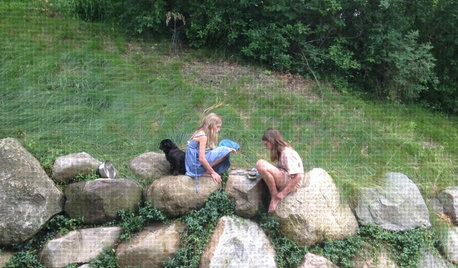
LIFETurn Off the Video Games and Turn On Your Kid's Creativity
Going nuts planning summer activities? Kids overdosing on screen time? It may be time to foster more self-directed play
Full Story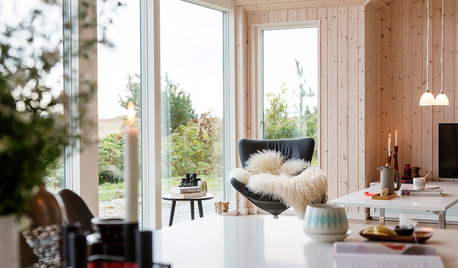
LIFESlow Living 101: Tips for Turning Off the Chaos
It may feel as though you're too busy to slow down and enjoy life. But even little changes can have a big effect
Full Story
HOME TECHTurn Your Smart Phone Into a Home Security System
Monitor your home a less expensive way by putting your phone and some new gadgets to work
Full Story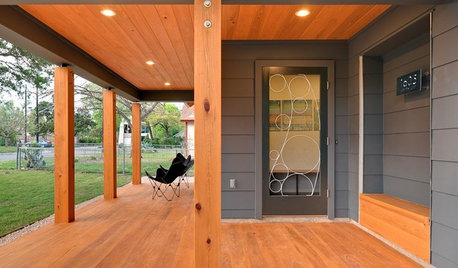
FUN HOUZZSculptor Susan Wallace Turns Screen Doors Into Art
No more boring screen doors! Texas metal artist creates unique grillwork for doors, windows and public spaces
Full Story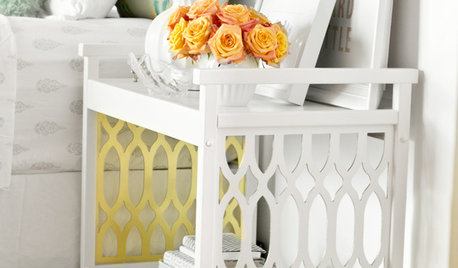
DIY PROJECTSTurn a Beat-Up Bar Cart Into a Thing of Beauty
Found a cast-off cart or table? See how to transform it into a stunning accent for your home
Full Story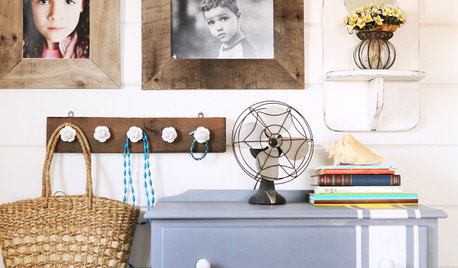
DIY PROJECTSTurn a Wooden Pallet Into Unique Photo Frames
Free wood? We're so in. Salvage a pallet or other cast-off wood to make delightfully distressed frames that fit almost any decor
Full Story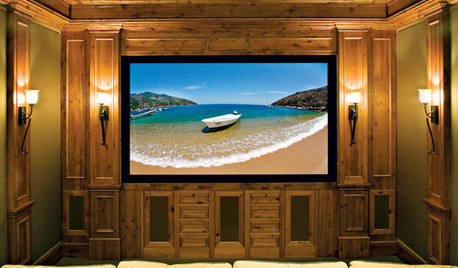
MEDIA ROOMS5 Tips to Turn Your Basement into a Media Room
From wiring to gadgets to decor, a designer tips us off to the secrets for media room success
Full Story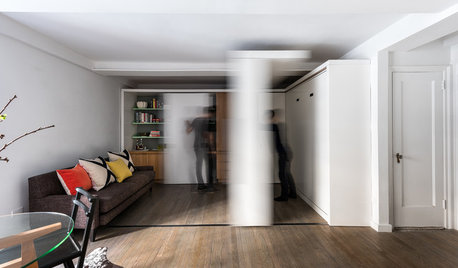
HOUZZ TOURSHouzz Tour: Watch a Sliding Wall Turn a Living Space Into 5 Rooms
A clever custom storage piece transforms this New York City microstudio into multiple living spaces
Full Story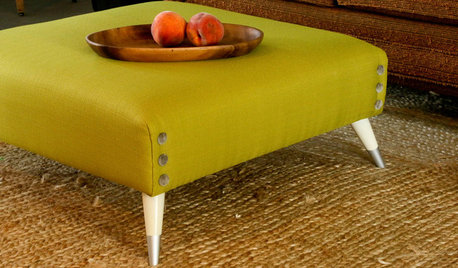
DIY PROJECTSTurn a Shipping Pallet Into a Stylish Ottoman
Get the step-by-step instructions for upholstering your own mod living room centerpiece
Full Story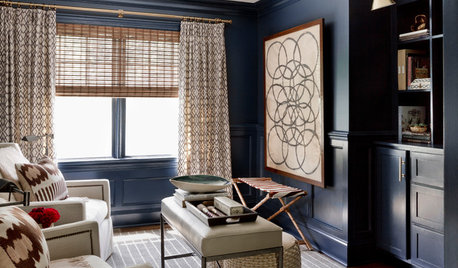
LIVING ROOMSRoom of the Day: Dark and Daring Pay Off in a Den Redesign
Indigo walls and woodwork, textured furnishings, task lighting and a media center turn a neglected room into a family hangout
Full Story
owbist
ravencajun Zone 8b TX
Related Discussions
How do you dust a window ledge 16' off the ground?
Q
Burgler bars a real turn-off
Q
turning off lights
Q
How to Use this Room - Sitting Room - Approx. 6x20 - Off Living
Q