




Script problem
emma
11 years ago
Sort by:Oldest
Comments (2)

Related Stories

GARDENING AND LANDSCAPINGDesign Eye on the Oscars: The Kids Are All Right
And the Winner Is ... That Amazing Terraced Garden
Full Story
MAN SPACESA Los Angeles Basement Becomes a Cozy Man Cave
Raw storage space in a Hollywood writer's home is transformed into a masculine home office hybrid
Full Story
COLORFUL HOMESCase Study: The Fearless Approach to Bold Color
Bland has no place in this San Diego home. See how the designer uses vivid hues with cohesiveness and without overwhelming
Full Story
GUESTHOUSESHouzz Tour: An Elegant Studio Apartment Over the Garage
A dark space full of odd angles becomes a beautiful and functional college apartment
Full Story
BATHROOM WORKBOOK5 Ways With a 5-by-8-Foot Bathroom
Look to these bathroom makeovers to learn about budgets, special features, splurges, bargains and more
Full Story
CONTRACTOR TIPS10 Things to Discuss With Your Contractor Before Work Starts
Have a meeting a week before hammers and shovels fly to make sure everyone’s on the same page
Full Story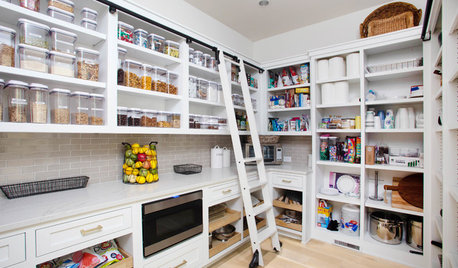
KITCHEN DESIGN9 Questions to Ask When Planning a Kitchen Pantry
Avoid blunders and get the storage space and layout you need by asking these questions before you begin
Full Story
WORKING WITH PROS3 Reasons You Might Want a Designer's Help
See how a designer can turn your decorating and remodeling visions into reality, and how to collaborate best for a positive experience
Full Story
GARDENING FOR BUTTERFLIESA Quick-Start Guide to Bird-Watching for Fun and Learning
Set out some seed and grab your field guide. Bird-watching is an easy, entertaining and educational activity for the whole family
Full Story
FUN HOUZZEverything I Need to Know About Decorating I Learned from Downton Abbey
Mind your manors with these 10 decorating tips from the PBS series, returning on January 5
Full Story
Elmer J Fudd
emmaOriginal Author
Related Discussions
that script problem again!
Q
stop running this script messages? how to stop...
Q
script error message
Q
Question about new malwarebytes and noscripts
Q