




Now what did I do?
patti43
12 years ago
Sort by:Oldest
Comments (3)
Related Stories
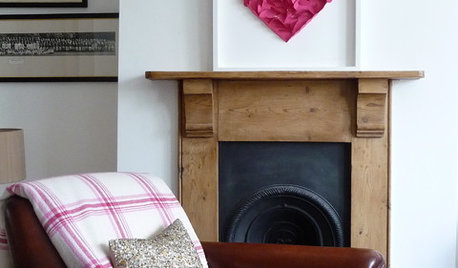
VALENTINE’S DAYTell Us: Why Did You Fall in Love With Your House?
What was it about your house that made your heart flutter? Share your photo, and it could make the Houzz homepage
Full Story
FUN HOUZZDouble Take: Did That Chair Come From a Ski Lift?
Clever homeowners find ways to repurpose chairlift seats indoors and out
Full Story
Let's Dish! Did You Watch the Flipping Out Premiere?
Contemporary Remodel Kicks off Design Show's New Season. What Did You Think?
Full Story
DISASTER PREP & RECOVERYRemodeling After Water Damage: Tips From a Homeowner Who Did It
Learn the crucial steps and coping mechanisms that can help when flooding strikes your home
Full Story
BUDGETING YOUR PROJECTHouzz Call: What Did Your Kitchen Renovation Teach You About Budgeting?
Cost is often the biggest shocker in a home renovation project. Share your wisdom to help your fellow Houzzers
Full Story
EDIBLE GARDENSHouzz Call: What Did You Grow This Summer?
Let’s celebrate the homegrown fruits and vegetables of the season. Post your pictures and tell us about your harvest
Full Story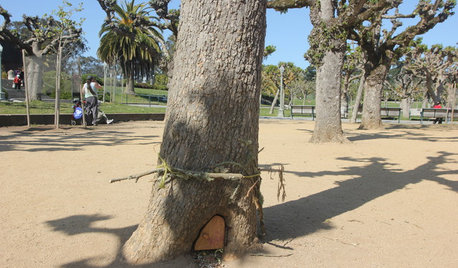
FUN HOUZZDid Elves Make a Home in a San Francisco Park?
Speculation has swirled around a Lilliputian doorway in Golden Gate Park. We give you the true story — and a design dilemma
Full Story
ARCHITECTURERoots of Style: Where Did Your House Get Its Look?
Explore the role of architectural fashions in current designs through 5 home styles that bridge past and present
Full Story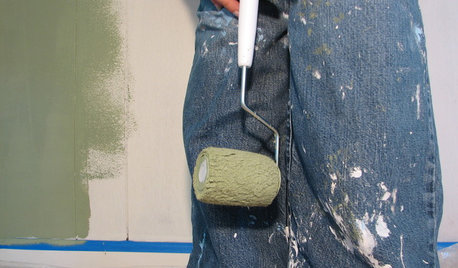
PAINTINGHelp! I Spilled Paint on My Clothes — Now What?
If you’ve spattered paint on your favorite jeans, here’s what to do next
Full Story
DECORATING GUIDES12 Antique Store Finds to Nab Now, Place Later
See the accessories one decorator always buys when she spots them — as long as she gets there first
Full Story
mikie_gw
patti43Original Author
Related Discussions
question about this plant
Q
Blooming NOW??
Q
now what do I do now??
Q
Iris Borers - AAARGH !!
Q
DA_Mccoy