




Problem w/Font
sapphires
21 years ago
Related Stories
HOUSEKEEPING10 Problems Your House May Be Trying to Show You
Ignore some of these signs and you may end up with major issues. We tell you which are normal and which are cause for concern
Full Story
KITCHEN DESIGNLightened-Up Midcentury Kitchen Goes With the Flow
A ranch’s kitchen, dining area and living room are combined in one beautifully unified space, while a mudroom solves a clutter problem
Full Story
PETSRoom of the Day: Laundry Room Goes to the Dogs
Muddy paws are no problem in this new multipurpose room
Full Story
GARDENING GUIDESGreat Garden Combo: 3 Wonderful Plants for a Deer-Resistant Screen
Protect your privacy and keep deer at bay with a planting trio that turns a problem garden area into a highlight
Full Story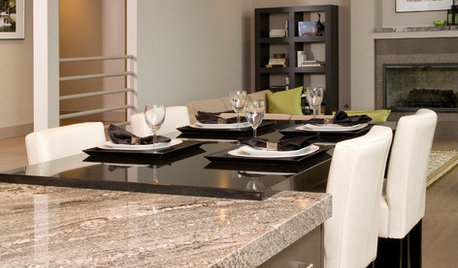
REMODELING GUIDES9 Hard Questions to Ask When Shopping for Stone
Learn all about stone sizes, cracks, color issues and more so problems don't chip away at your design happiness later
Full Story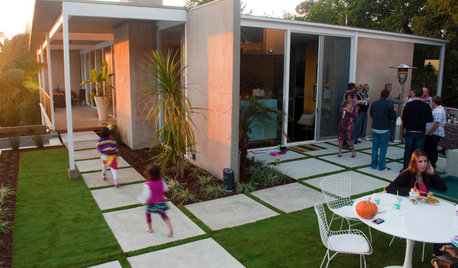
INSIDE HOUZZThere’s a Party in the Backyard, Says a Houzz Landscaping Survey
Entertaining, growing edibles and solving problems are goals for homeowners planning to revamp their yards
Full Story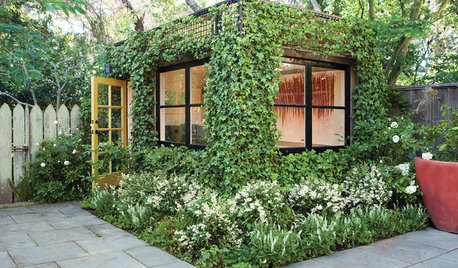
URBAN GARDENS11 Inspiring Vertical Gardens
No yard? No problem. Create a lush greenscape on the wall
Full Story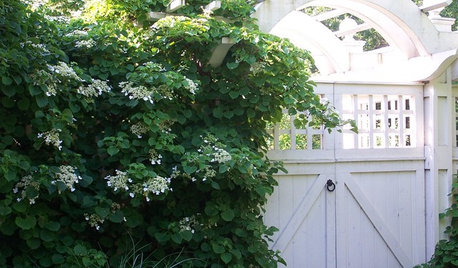
FALL GARDENING6 Deer-Resistant Flowering Vines to Plant This Fall
Have a major deer problem? Here are some of the only vines that have a chance of not being eaten
Full Story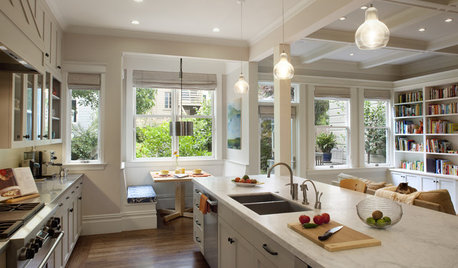
KITCHEN OF THE WEEKKitchen of the Week: Storage, Style and Efficiency in San Francisco
A growing family gets a kitchen they can work, eat and relax better in — and that’s easier on the eyes
Full Story
VINTAGE STYLELet's Bang Out New Ways With Vintage Typewriters
We know, we've seen them everywhere, too. But these ideas turn a new page on vintage typewriter decor
Full StorySponsored

Your Custom Bath Designers & Remodelers in Columbus I 10X Best Houzz
ArtsyCraftsy
Sneekersmom
Related Discussions
Please post pics of your citrus leaf problems-help w/ ID of cause
Q
Font problems?
Q
problem w/ in-wall light timer
Q
Options for painted look kitchen cabinets w/o the inherent problems.
Q