




Saving favorites
jenni_ca
21 years ago
Sort by:Oldest
Comments (2)
Related Stories
SHOP HOUZZShop Houzz: Save on Wall Art Inspired by Nature
Up to 50% off outdoor-loving art, from woodland images to sea scenes
Full Story
SHOP HOUZZShop Houzz: Save on Our Bestselling Table Lamps
Save over 30% on our favorite table lamps in a range of styles from the Houzz Shop
Full Story0
SHOP HOUZZShop Houzz: Save on Collegiate and Pro Sports Team Mats
Up to 50% off rugs and mats that put your favorite team on display
Full Story0
HOME TECHSave Your Decor — Hide Your Media Stuff
When you tuck boxes, wires and speakers into walls and ceilings, all you'll notice is your favorite shows or music
Full Story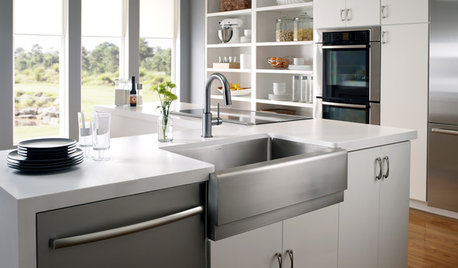
SHOP HOUZZShop Houzz: Up to 65% Off Kitchen Sinks and Faucets
Save on stylish and efficient kitchen sinks and faucets
Full Story0
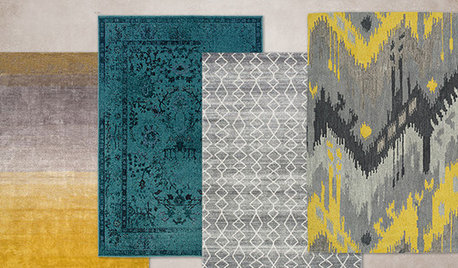
SHOP HOUZZShop Houzz: Up to 65% Off Eye-Catching Rugs
Save on colorful rugs in all patterns and styles
Full Story0
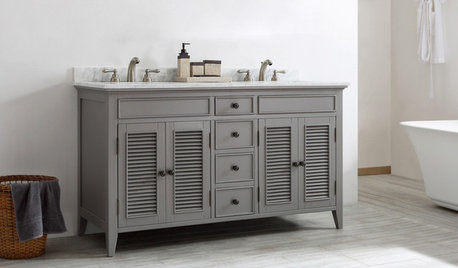
SHOP HOUZZShop Houzz: Double-Sink Vanity Sale
Save up to 65% on stunning double-sink vanities
Full Story0
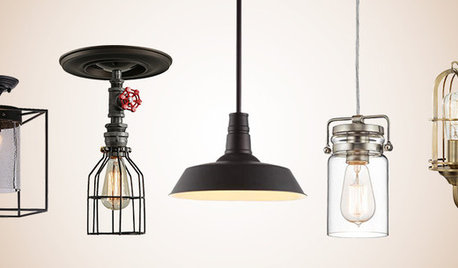
SHOP HOUZZShop Houzz: Bestselling Lighting Under $199
Save up to 60% on popular fixtures for every kind of space
Full Story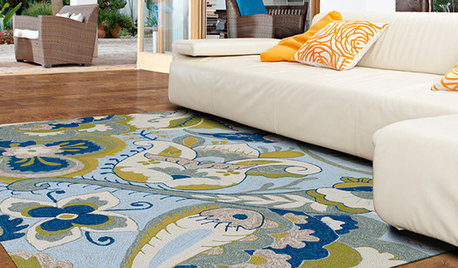
SHOP HOUZZShop Houzz: The Ultimate Outdoor Rug Sale
Save up to 65% on vibrant and durable outdoor rugs
Full Story0
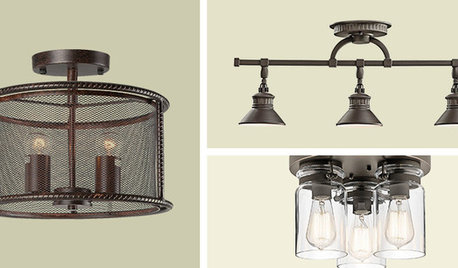
SHOP HOUZZShop Houzz: Up to 75% Off Flush-Mount and Track Lighting
Save on handy fixtures for a well-lit space
Full Story0
Sponsored
jenni_caOriginal Author
Tiger_SunnyFla
Related Discussions
need help asap to save branch broken off crabapple
Q
can you help me save my favorite bowl?
Q
A Monday Hello
Q
for those that use IE
Q