




Invent It products
maryanntx
21 years ago
Related Stories
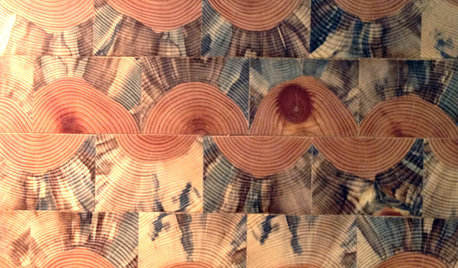
DECORATING GUIDESInventive New Products for Fun Designs Ahead
Check out the 2013 Dwell on Design expo's twists on midcentury patterns, instant color palettes, surprises for the patio and more
Full Story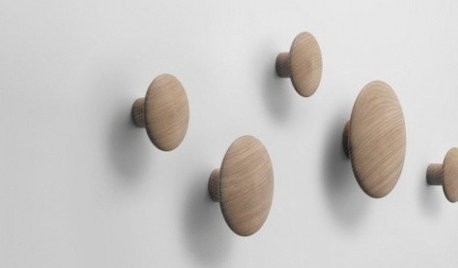
PRODUCT PICKSGuest Picks: 20 Delightfully Inventive Wall Hooks and Coatracks
Limit drips and drops to a mudroom or entryway with these creative hooks and hangers for coats, hats and more
Full Story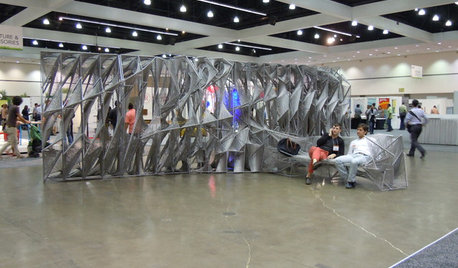
TASTEMAKERSDwell on Design 2012 Expo Debuts Inventive Designs
Dry-erase decals, adorable doorbells, mod storage and a whole lot more are hooking the crowds at this Los Angeles show
Full Story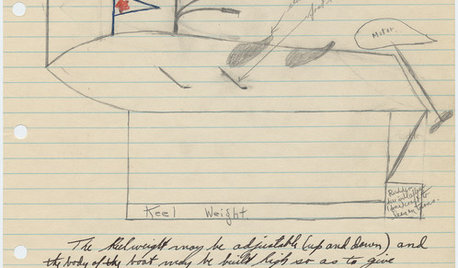
Sketches of Earl S. Tupper’s Pre-Tupperware Inventions
See the early concepts Tupper worked out before striking it big with his plastic food storage containers
Full Story
TASTEMAKERSMeet Peter Bristol's Inventive Lighting and Furniture
The Seattle designer explains what makes a good design solution and why he doesn't worry about decorating his home
Full Story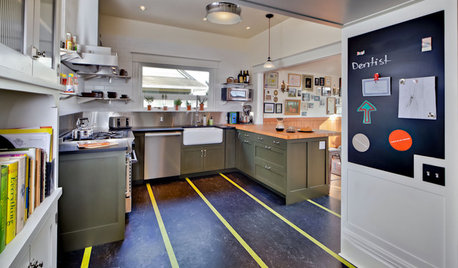
FLOORS8 Inventive Kitchen Floor Treatments
Let these fresh flooring concepts simmer in the back of your head as you plan your kitchen remodel
Full Story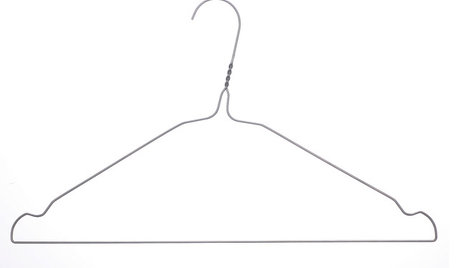
EVENTSWho Invented the Coat Hanger, and Other Household Mysteries Solved
Learn the origins of common household objects, see patent drawings and more in a traveling exhibition
Full Story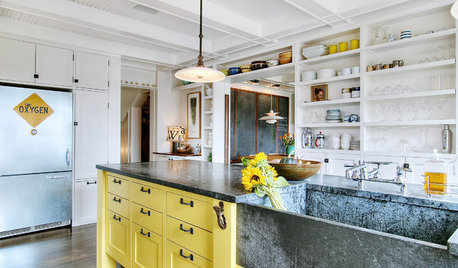
KITCHEN DESIGN10 Inventive Ideas for Kitchen Islands
Printed glass, intriguing antiques, unexpected angles – these islands show there's no end to creative options in kitchen design
Full Story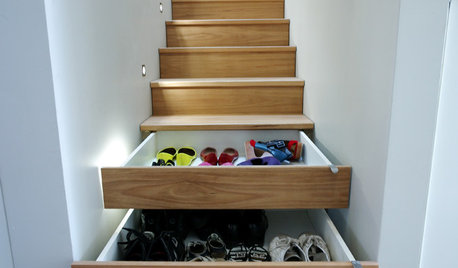
ORGANIZINGConquer Clutter With Drawers: 14 Inventive Solutions
Organize, neaten and hide all your stuff with drawers in unexpected spots or outfitted with extra-special features
Full Story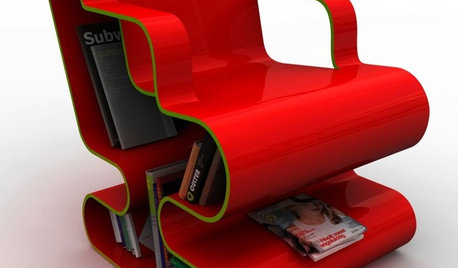
FUN HOUZZBye-Bye, Boring Bookcase: Inventive Ways to Store Your Reads
Discover book storage as wild as a thriller's plot twists and as useful as a how-to manual
Full Story
ArtsyCraftsy
mamiejammie
Related Discussions
Rose Products I wish they'd invent
Q
I want to invent........
Q
Floof! Inventions you want.
Q
Necessity is the mother of invention: homebound, clueless, yard work?
Q
ArtsyCraftsy
Jennifer123