







straightening up/storage question
lisalisa2009
15 years ago
Sort by:Oldest
Comments (4)
Related Stories

5 Questions for Design Stars
Add Your Ideas for Outdoor Storage, Cheering Up a Fireplace and More
Full Story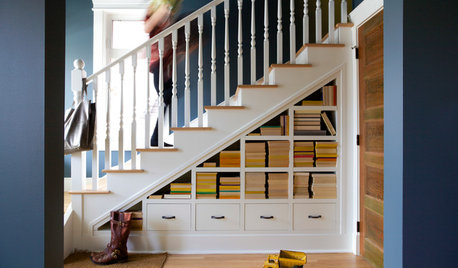
ORGANIZINGPre-Storage Checklist: 10 Questions to Ask Yourself Before You Store
Wait, stop. Do you really need to keep that item you’re about to put into storage?
Full Story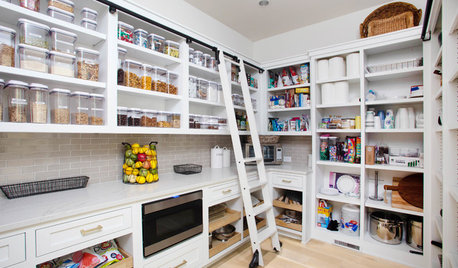
KITCHEN DESIGN9 Questions to Ask When Planning a Kitchen Pantry
Avoid blunders and get the storage space and layout you need by asking these questions before you begin
Full Story
ORGANIZING4 Questions to Help You Organize Your Favorite Photos
Organize your keeper photos with a system that's just right for you, whether it's in the cloud or you can hold it in your hand
Full Story
5 Questions for Design Stars
Houzz Members Need Your Help With This Week's Design Dilemmas!
Full Story0
REMODELING GUIDES13 Essential Questions to Ask Yourself Before Tackling a Renovation
No one knows you better than yourself, so to get the remodel you truly want, consider these questions first
Full Story
FEEL-GOOD HOMEThe Question That Can Make You Love Your Home More
Change your relationship with your house for the better by focusing on the answer to something designers often ask
Full Story
REMODELING GUIDESPlanning a Kitchen Remodel? Start With These 5 Questions
Before you consider aesthetics, make sure your new kitchen will work for your cooking and entertaining style
Full Story
MOST POPULAR8 Questions to Ask Yourself Before Meeting With Your Designer
Thinking in advance about how you use your space will get your first design consultation off to its best start
Full Story


annie1971
jannie
albert_135 39.17°N 119.76°W 4695ft.
sewhappy_2007