




inside car loights remain ON
frankb_c
16 years ago
Related Stories
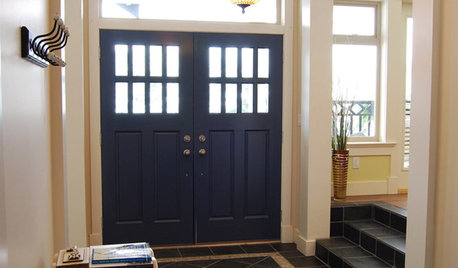
HOUZZ TOURSHouzz Tour: Bringing the Outdoors Inside on Bowen Island, B.C.
Custom-built farmhouse offers large, small reminders of surrounding nature
Full Story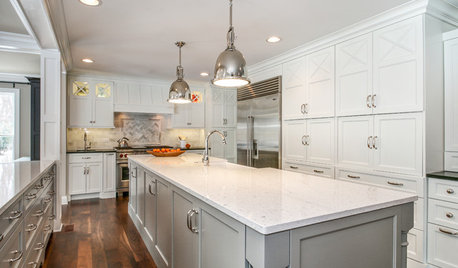
BEFORE AND AFTERSInside Houzz: Ideabooks Propel a Major Chicago Remodel
Communicating redesign wishes was easy for a homeowner with Houzz’s tools at her fingertips
Full Story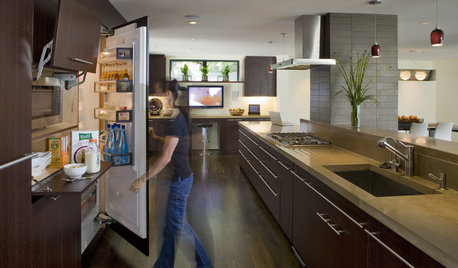
HOUSEKEEPINGHow to Clean Your Fridge, Inside and Out
Keep your refrigerator clean and fresh, while you gain storage space and lose those ‘UFOs’
Full Story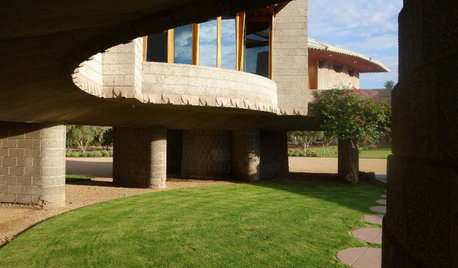
FRANK LLOYD WRIGHTStep Inside a Frank Lloyd Wright House Saved From Demolition
The historic Phoenix property is now part of the architect’s school at Taliesin, where it will be used as a design lab
Full Story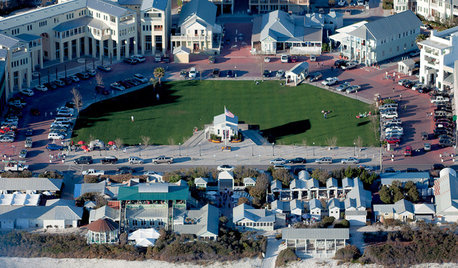
COMMUNITYTour a Pioneering Beach Town That Fosters Community
No cars, mixed-use zones, strict building codes ... a new book takes us inside Seaside, a champion of New Urbanism
Full Story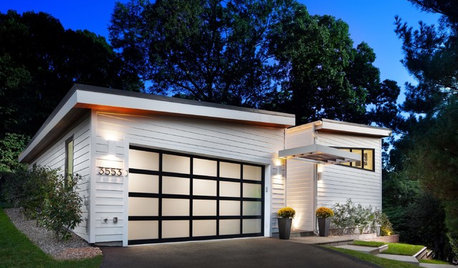
GARAGESKey Measurements for the Perfect Garage
Get the dimensions that will let you fit one or more cars in your garage, plus storage and other needs
Full Story
CONTEMPORARY HOMESHouzz Tour: Modern Retreat Emerges From a 19th-Century Ruin
A contemporary country home builds on the remains of an abandoned 1860s homestead
Full Story
THE ART OF ARCHITECTUREDesign Practice: 11 Ways Architects Can Overcome Creative Blocks
When inspiration remains elusive, consider these strategies for finding your creative muse
Full Story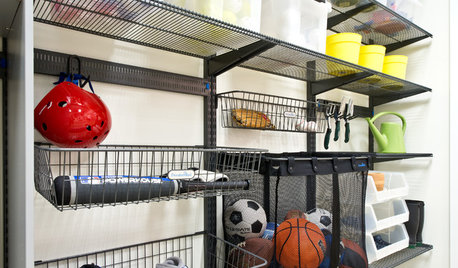
GREAT HOME PROJECTSHow to Make Your Garage a Storage Powerhouse
New project for a new year: Add shelving and containers to get your stuff off the garage floor — and still have room for the car
Full Story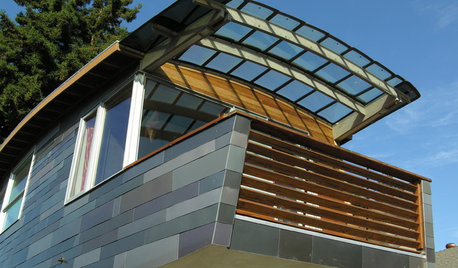
HOME INNOVATIONSHouzz Tour: Meet a Home Made With Minivan Parts
Sawn-off car roofs for the siding, windows popped out of van doors ... this California home is as resourceful as it is beautiful
Full StorySponsored
john_g
frankb_cOriginal Author
Related Discussions
Fear of Car Rides
Q
Efficient use of time in buying a new car
Q
Neighbor has broken car parked in easement. About to close on house.
Q
Ins agent says parked car is fully covered whether locked or unlocked
Q