

How do I post a Link?
Buehl
There are two ways to post a link:
To insert a link using the provided boxes below the "Message" box:
- Insert the link in the "Optional Link URL:" box
To insert a link inside the "Message" box,
- Copy the following into the "Message" box where you want it:
Description
With either method, you will see your link when you next "preview" your message
Browse Gardening and Landscaping Stories on Houzz See all Stories

Pink
The Pink Link — Learn the Secrets of a Decorating Darling
Is it the kiss of death for masculine rooms? Can it soothe a psyche? Discover the history and theories behind this delightful color
Full Story

Notable Links: 10 Ideas We're Liking Now
By Lily Gahagan
Some of our favorite reads from around the web
Full Story

Fall and Thanksgiving
Thanksgiving: How to Lounge in Style Post-Feast
By Lily Gahagan
After the big meal, decompress on a modern bean bag, day bed, Togo sofa or (even better) just the floor
Full Story

Inspiration for some backyard chats

Inspiration for a warm welcome

Inspiration for dinner time under the stars
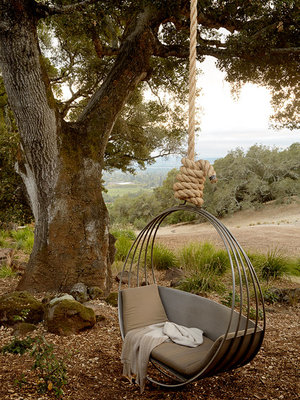
Inspiration for a little quality time

Inspiration for making that best pizza ever







With over 30 years of experience working with families from all over the Columbus, Ohio area, we're confident... Read More